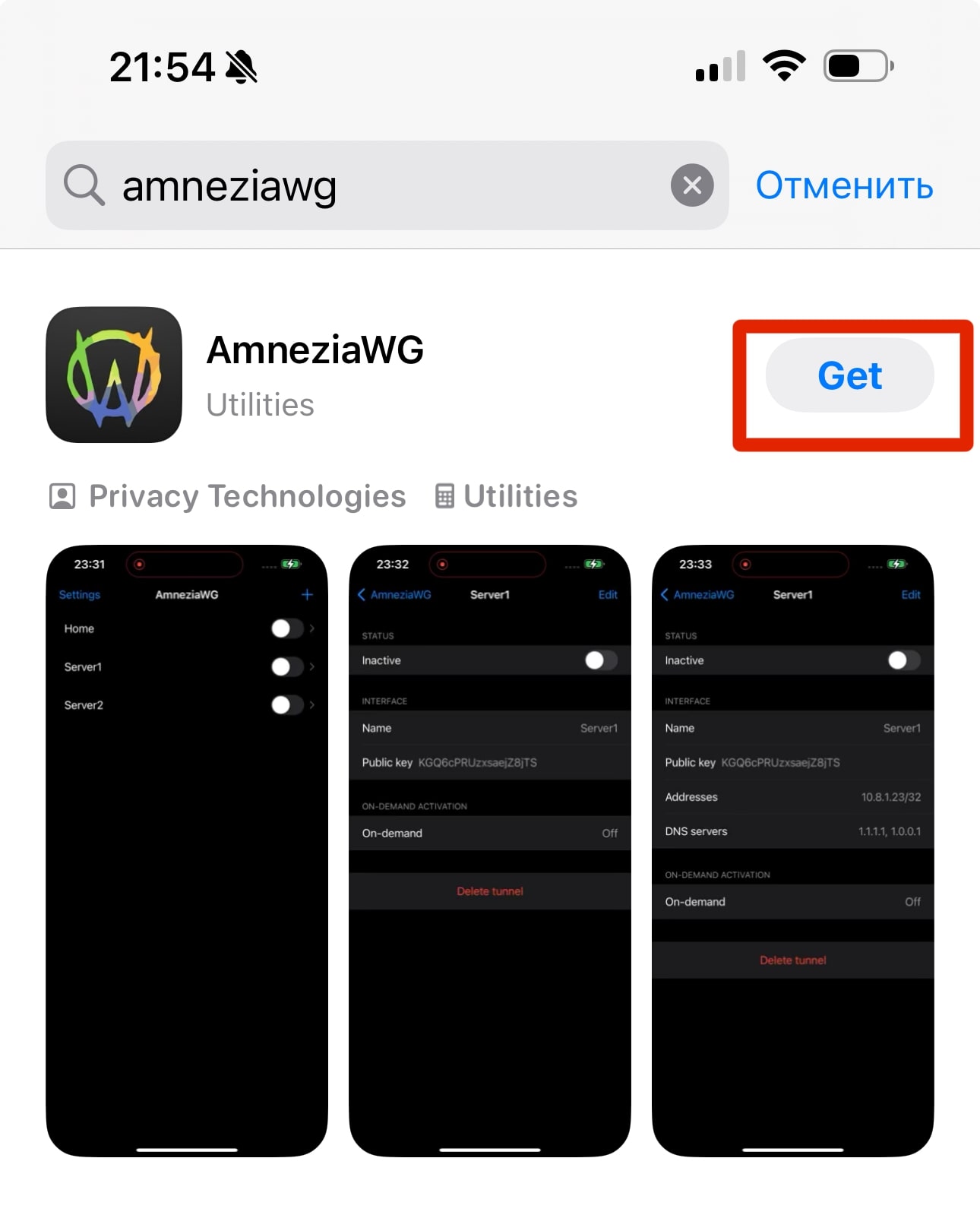
1. Download the AmneziaWG application from the AppStore.
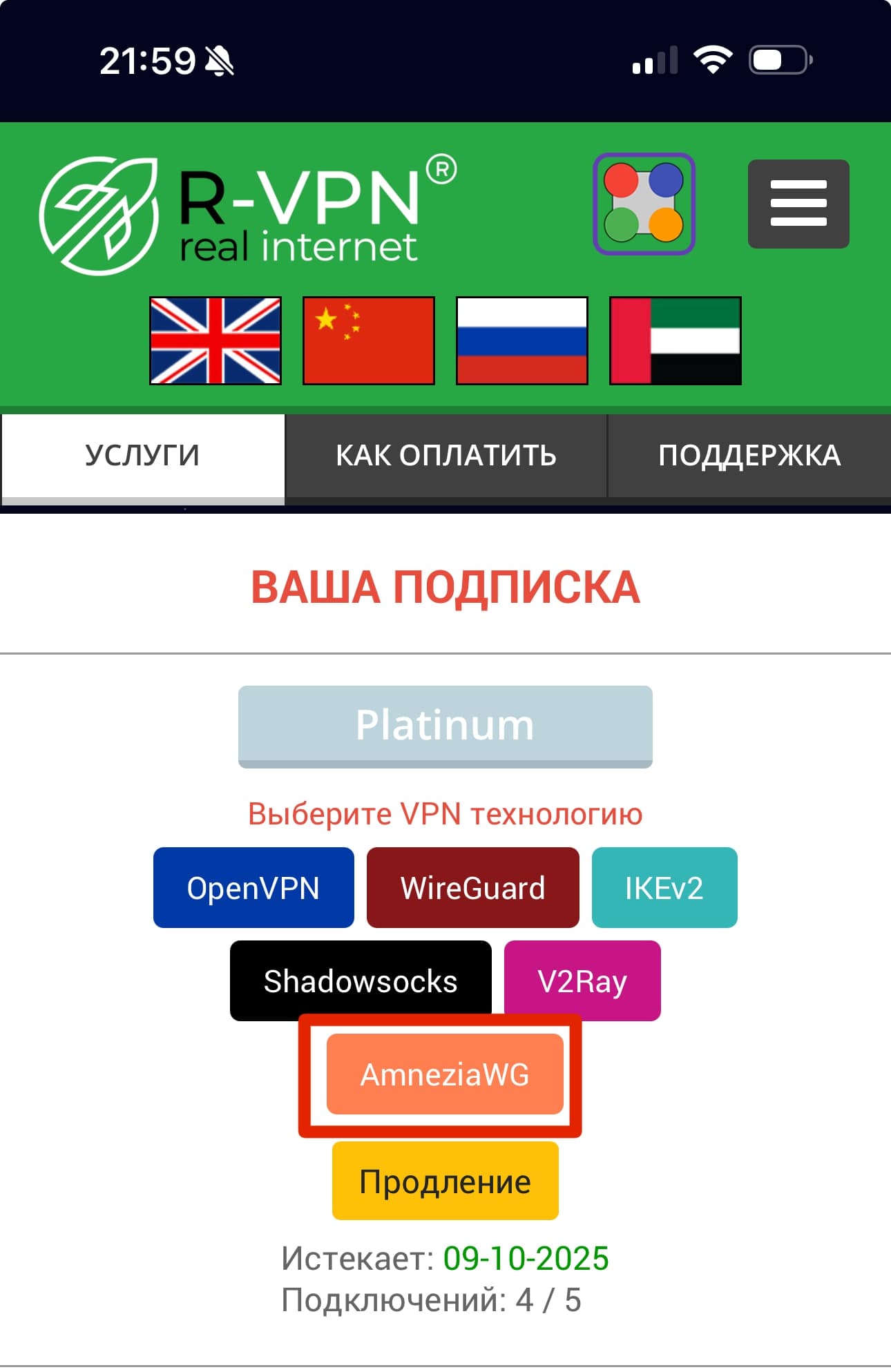
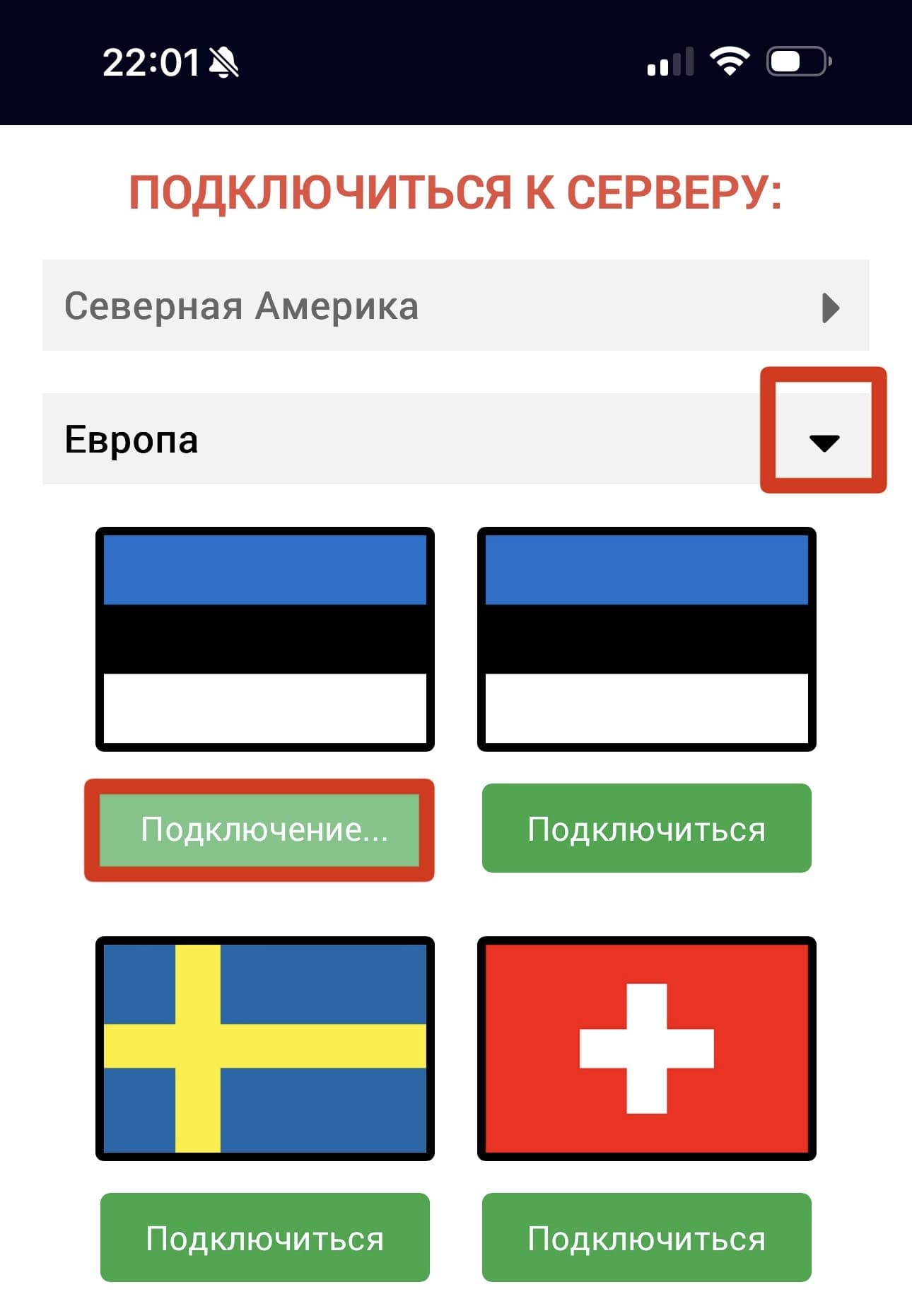
2. On the ru.rvpn website in the “Connect to Server” section, select the desired location, click on the country, and click the “Connect” button.
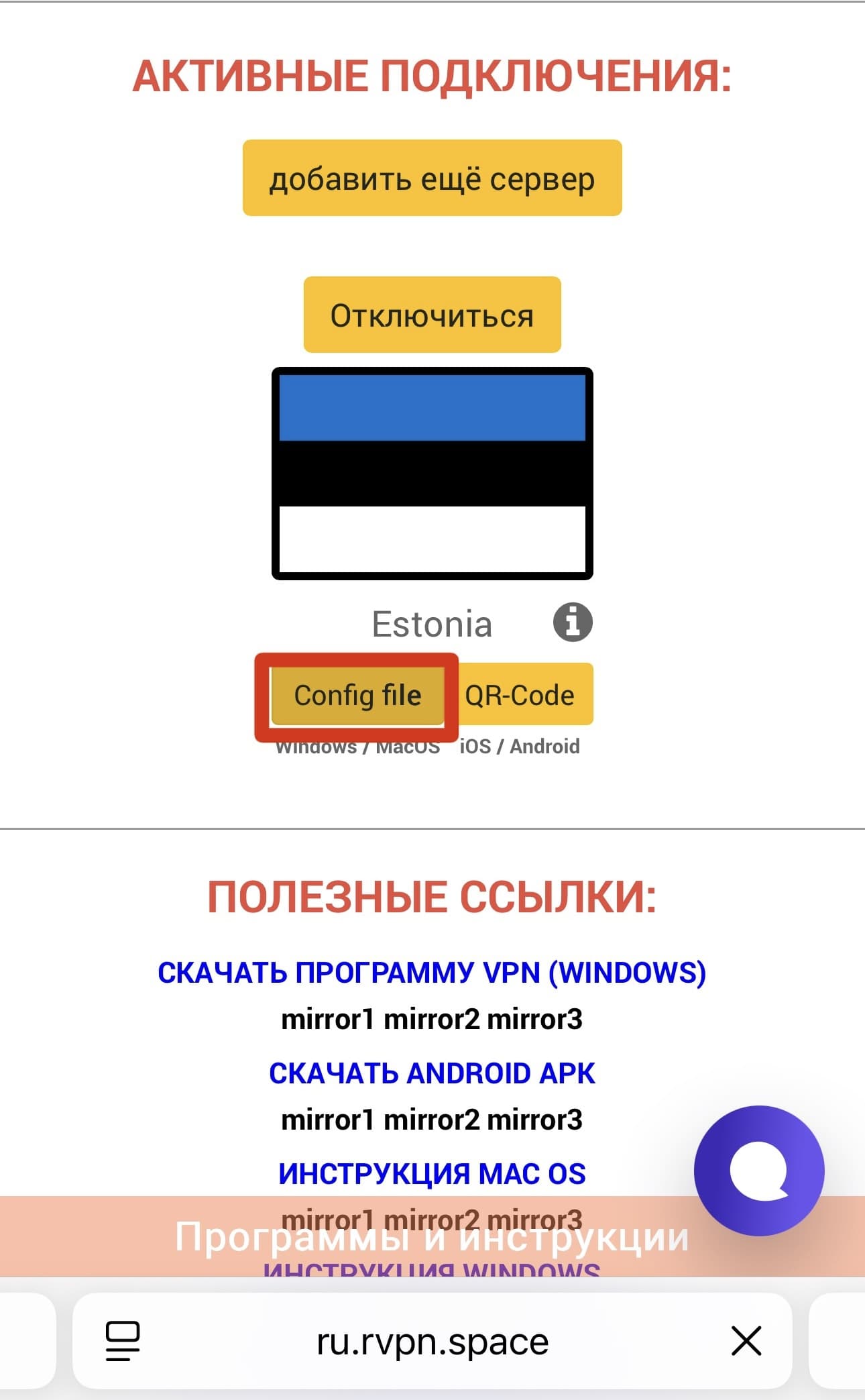
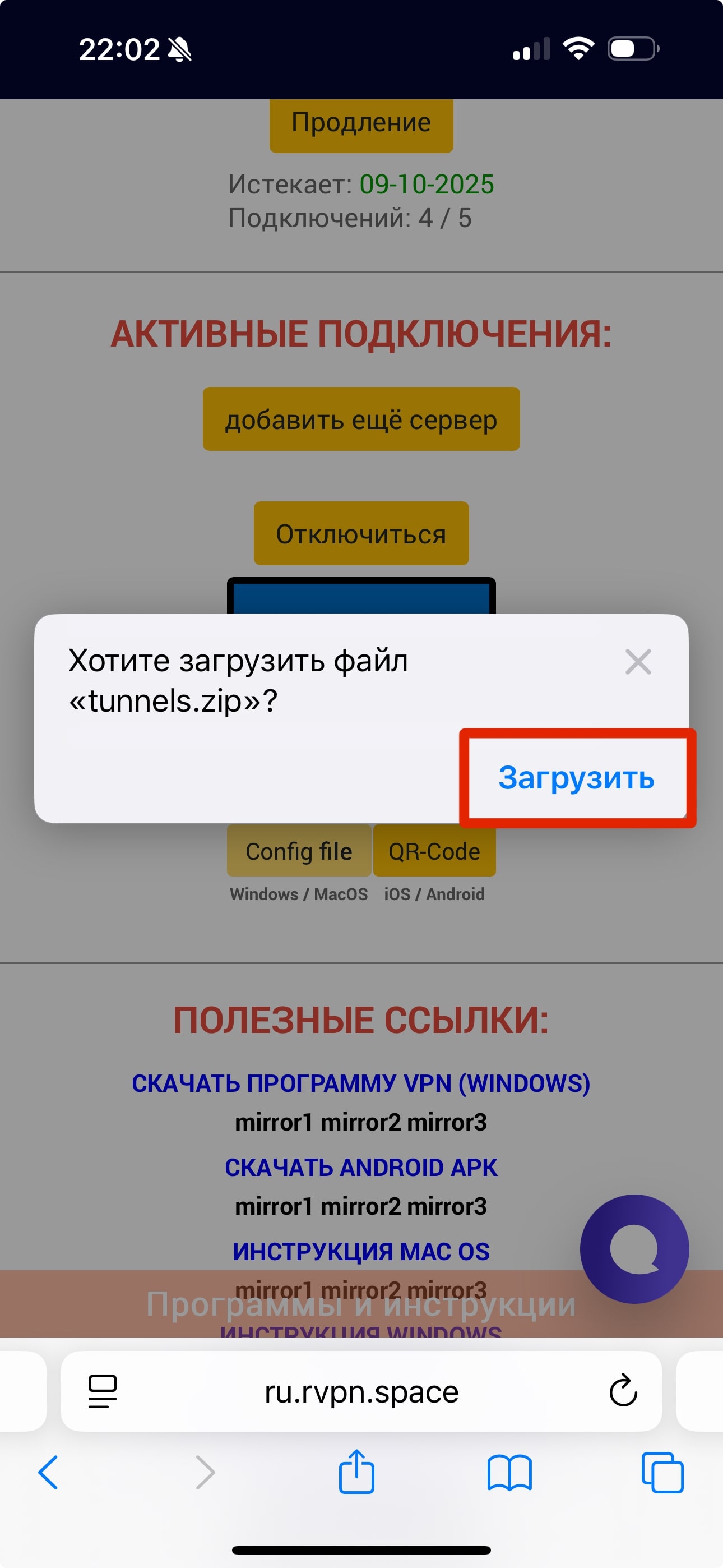
3. Download the configuration file.
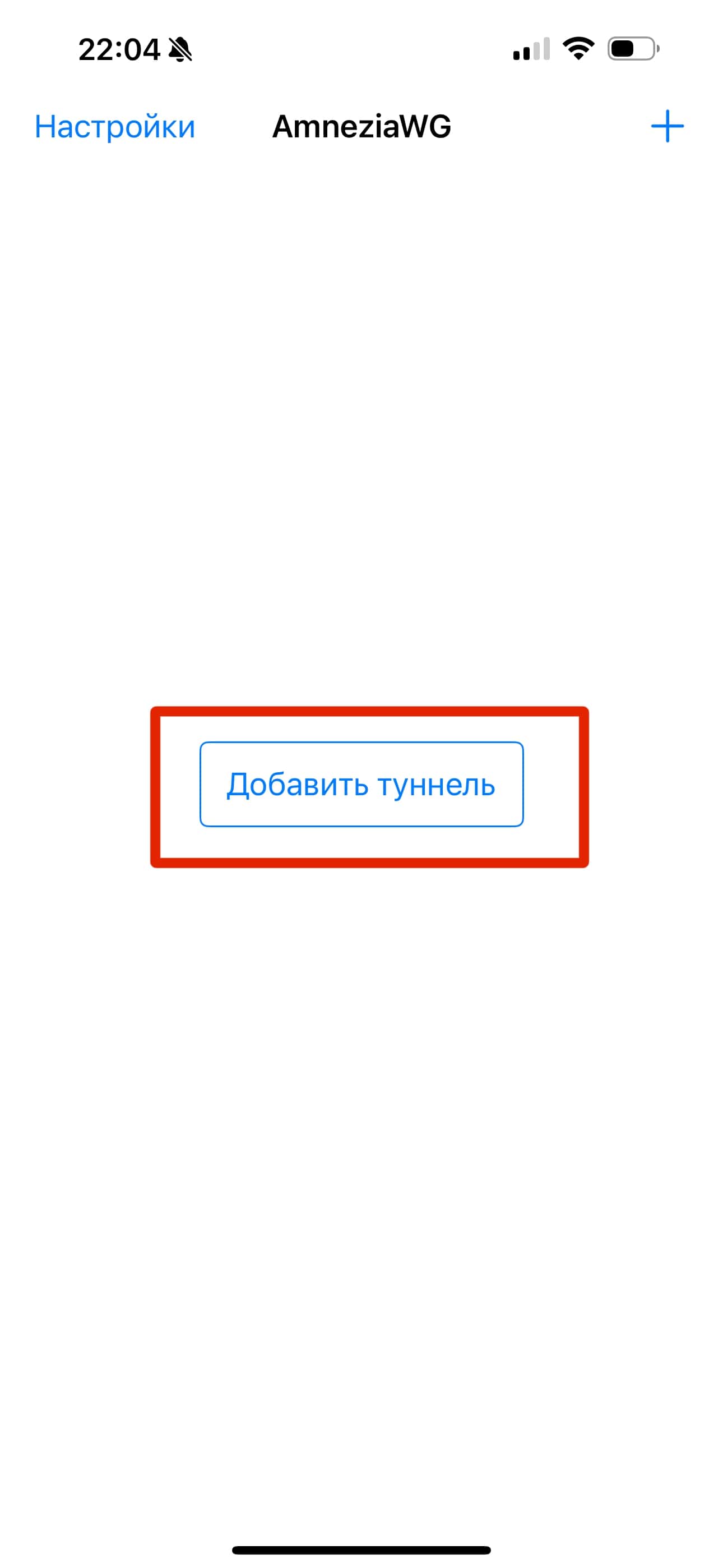
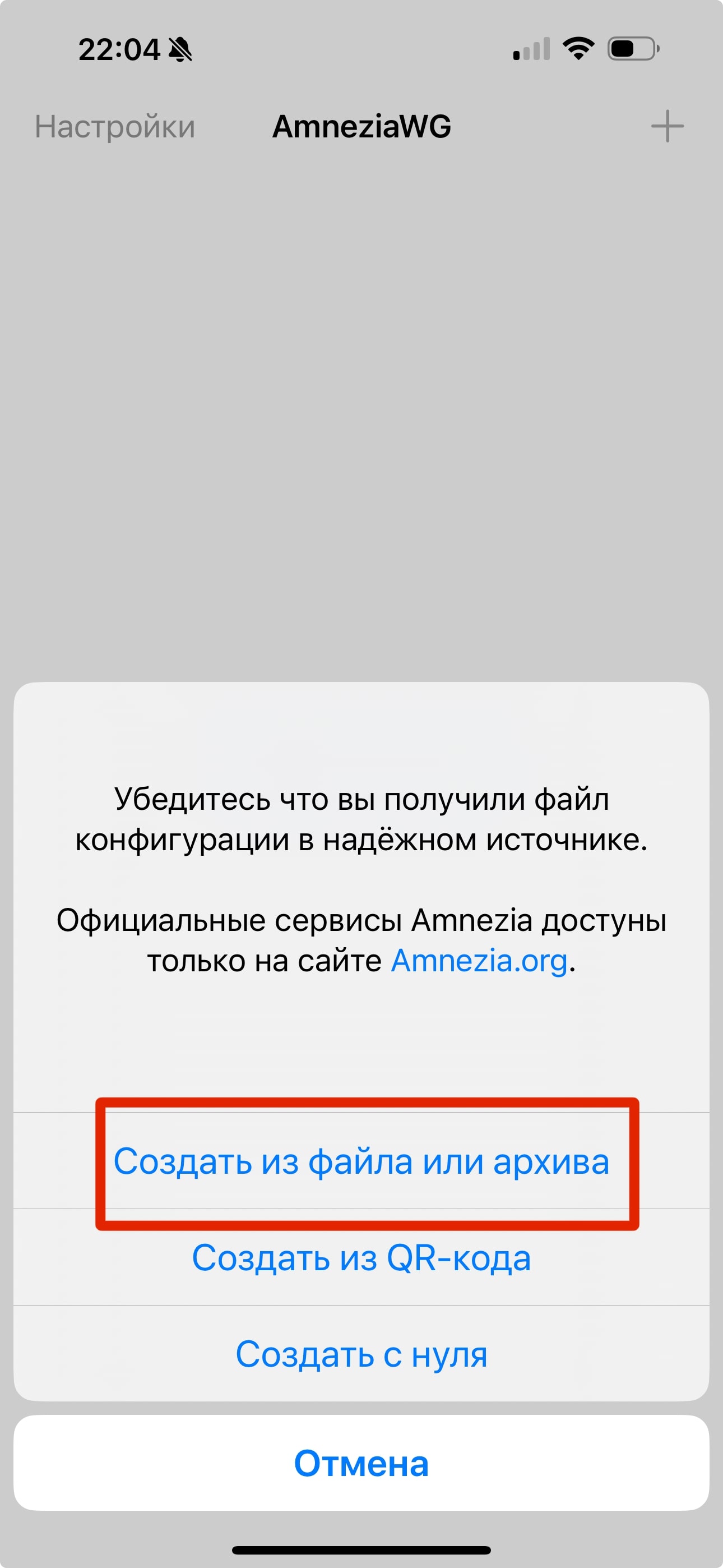
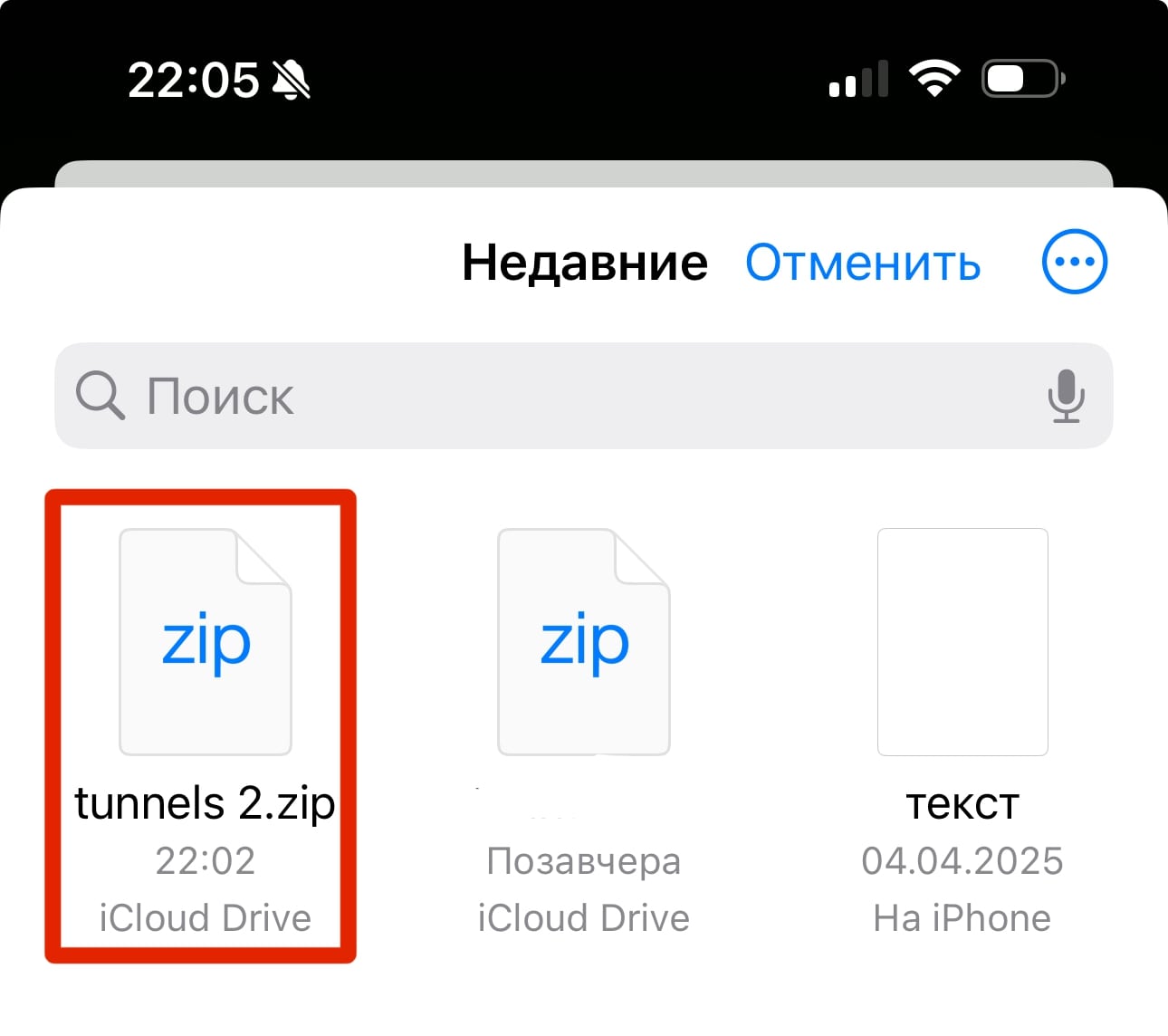
4. In the AmneziaWG application, click “Add Tunnel” and in the dropdown menu click “Add from File”. Select the downloaded file.
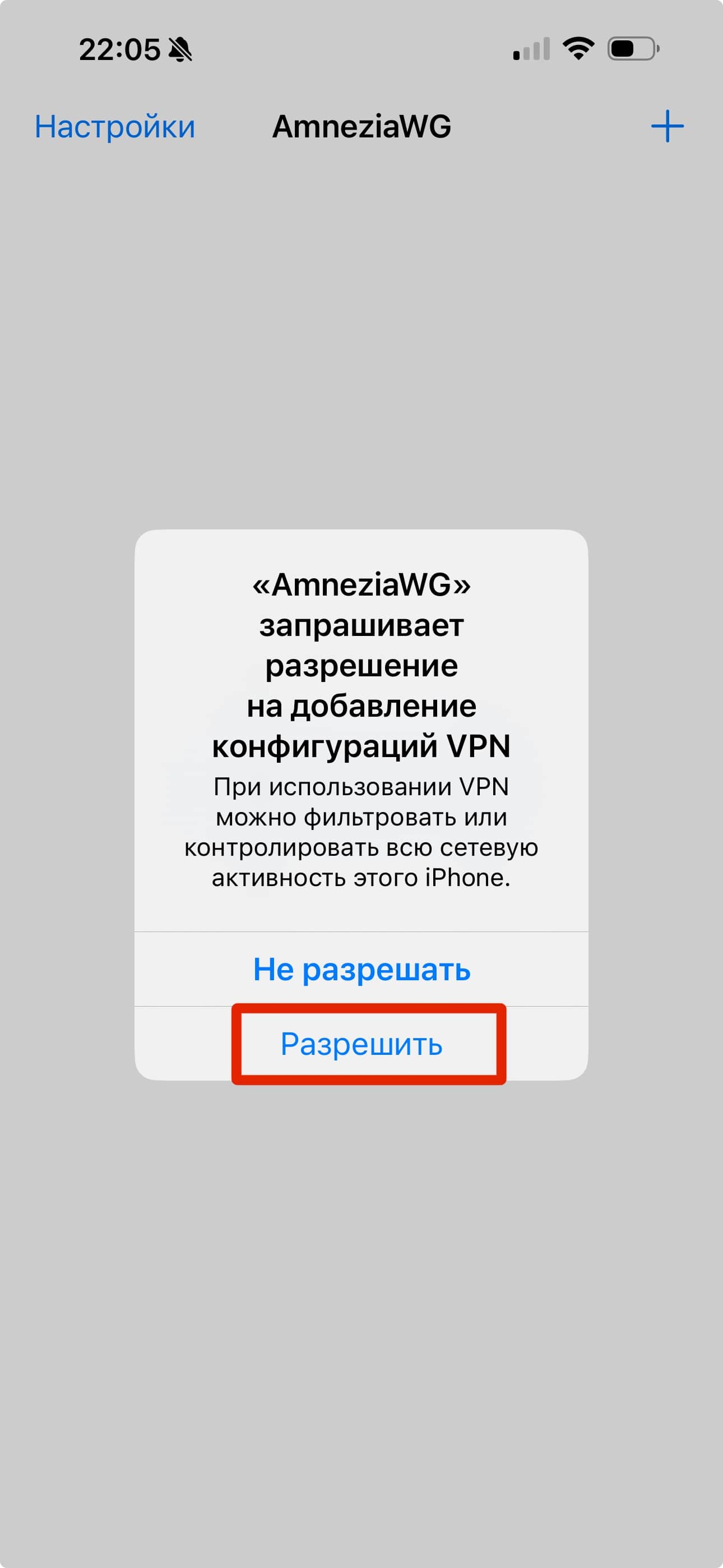
5. When adding a tunnel for the first time, you must click “Allow” in the “Connection Request” popup window.
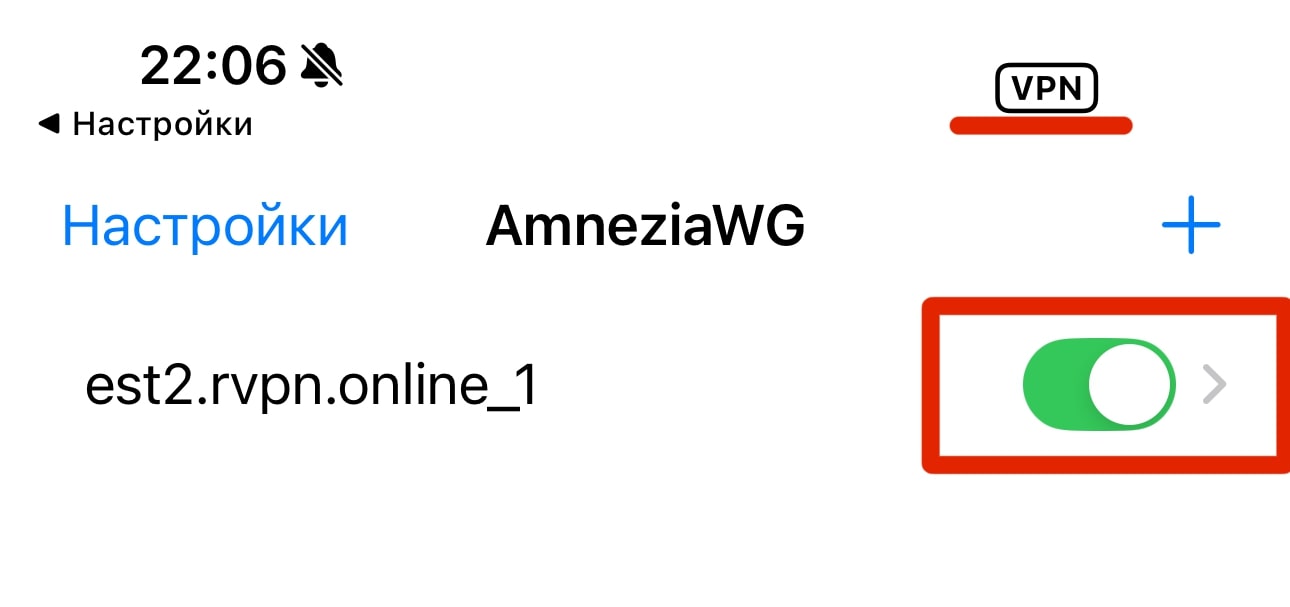
6. To enable VPN, click the toggle switch so it moves to the “ON” position and lights up with color.