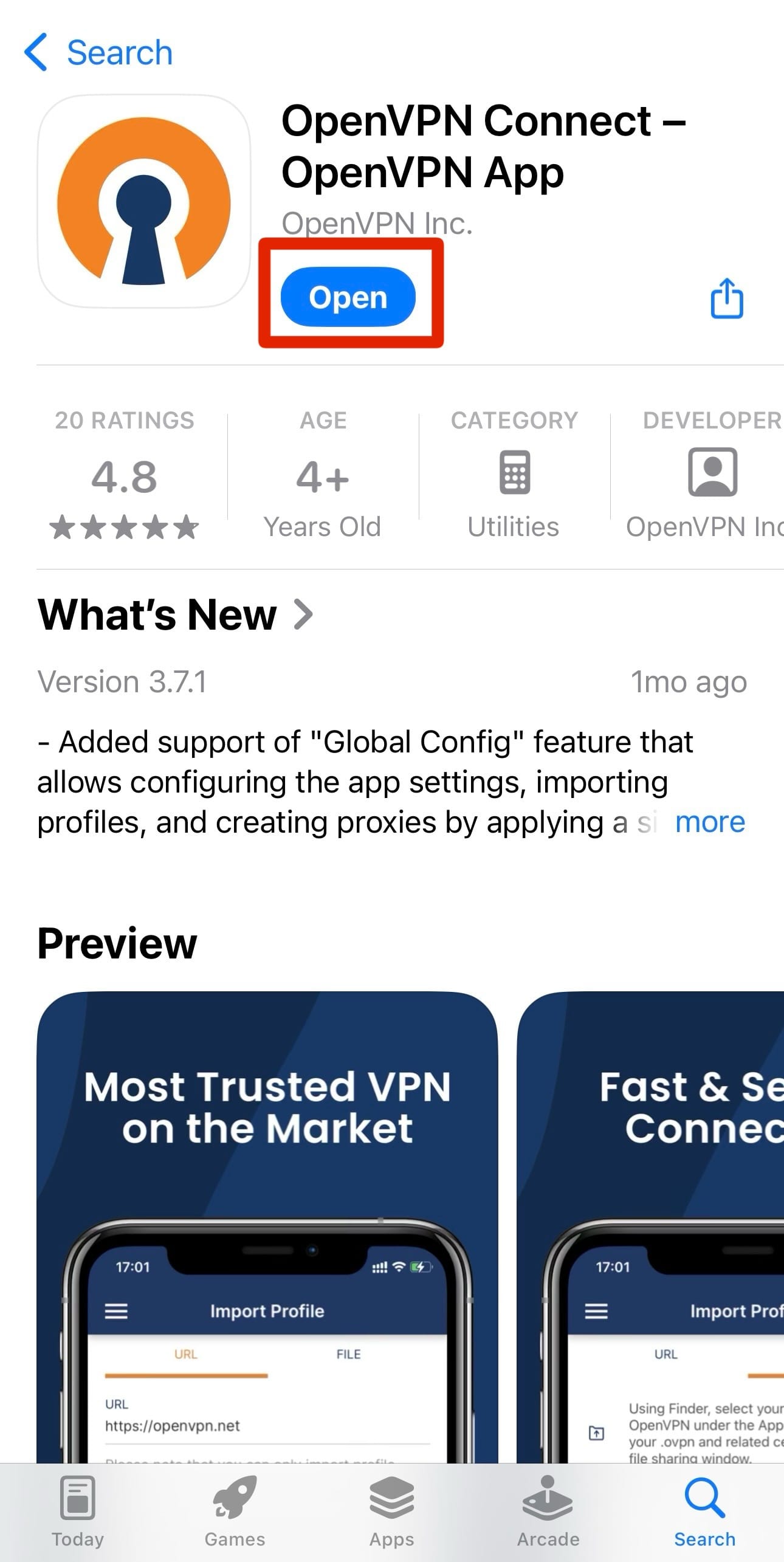
1. Download the OpenVPN Connect application from the Google Play (Play Market) app store.
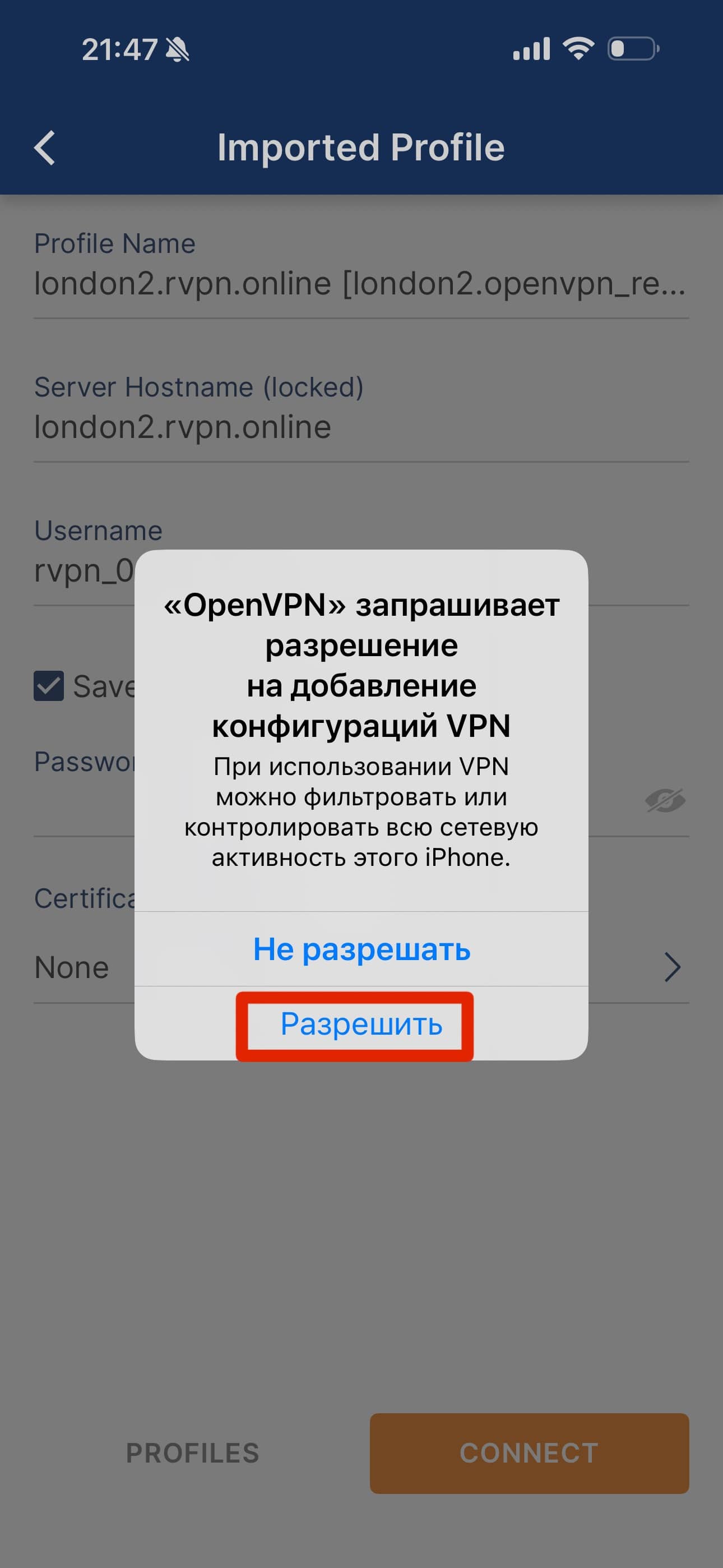
2. When you first open the application, you need to click “Allow” in the “Connection Request” pop-up window.
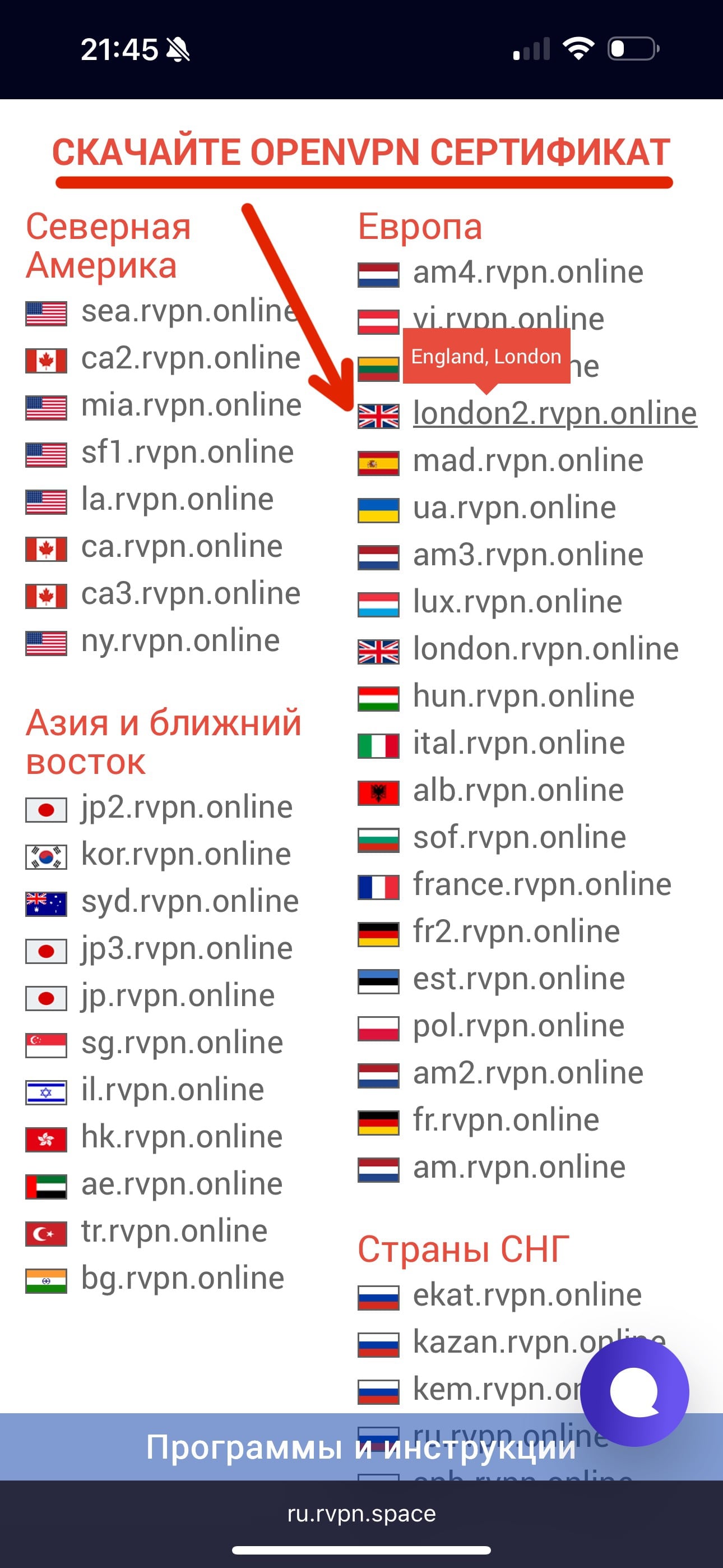
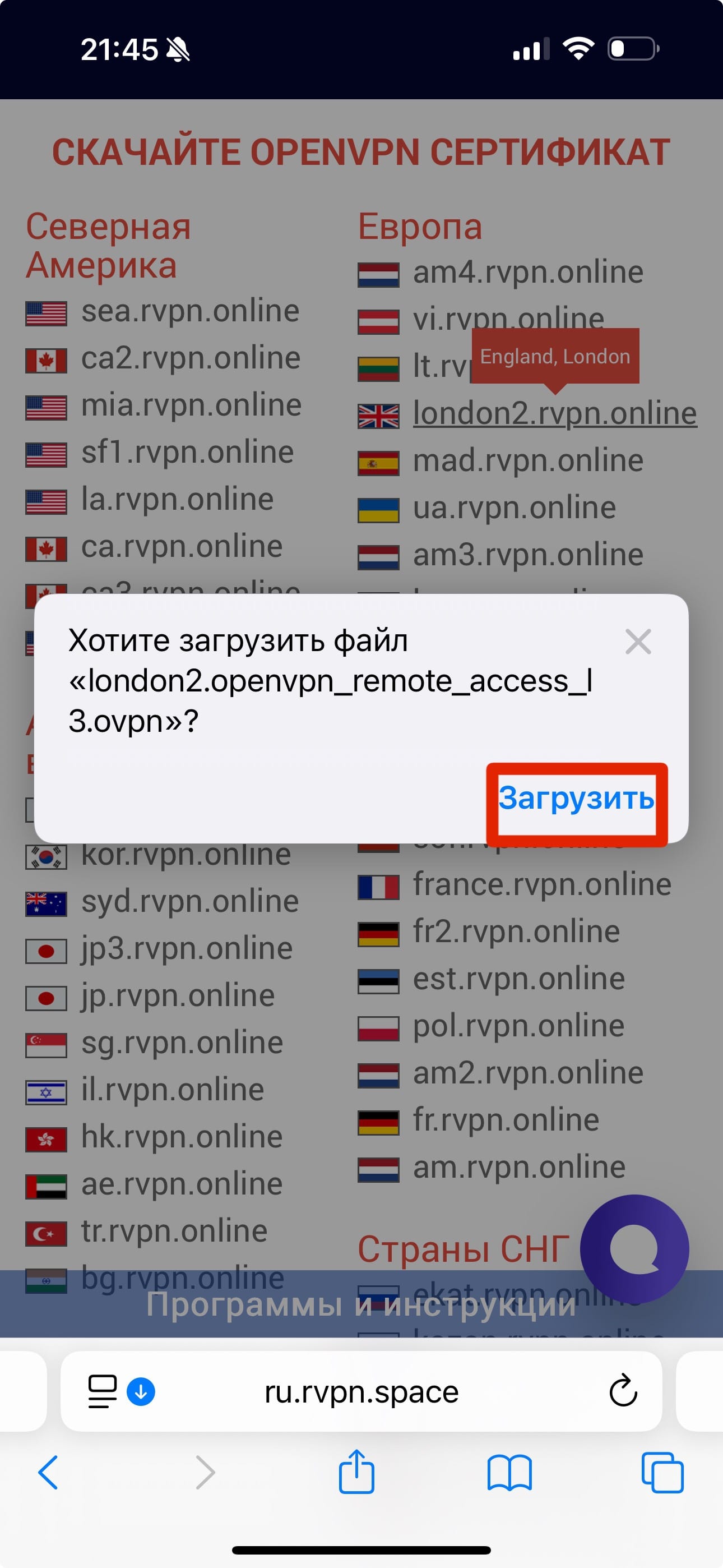
3. On the ru.rvpn website, in the “Download OPENVPN certificate” section, select the desired server and click “Download”.
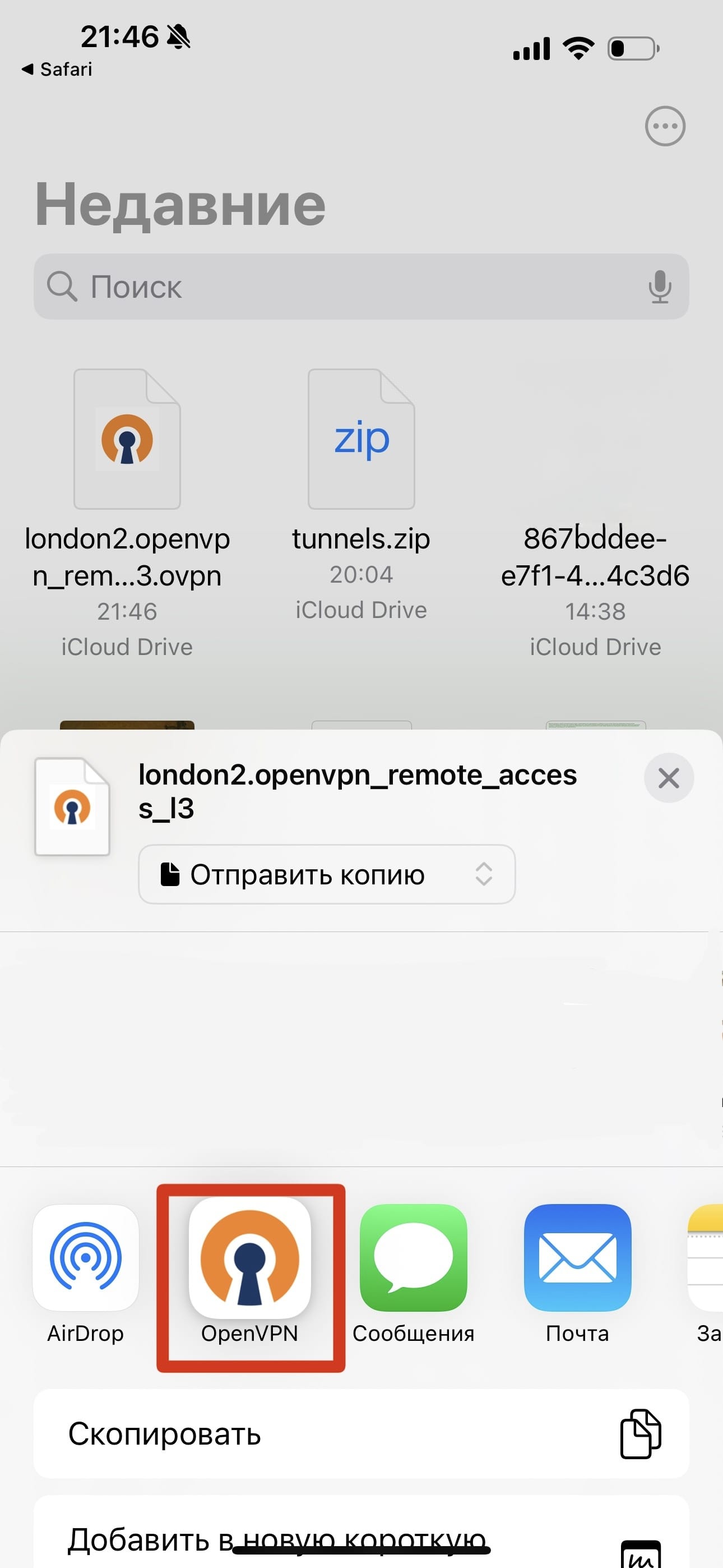
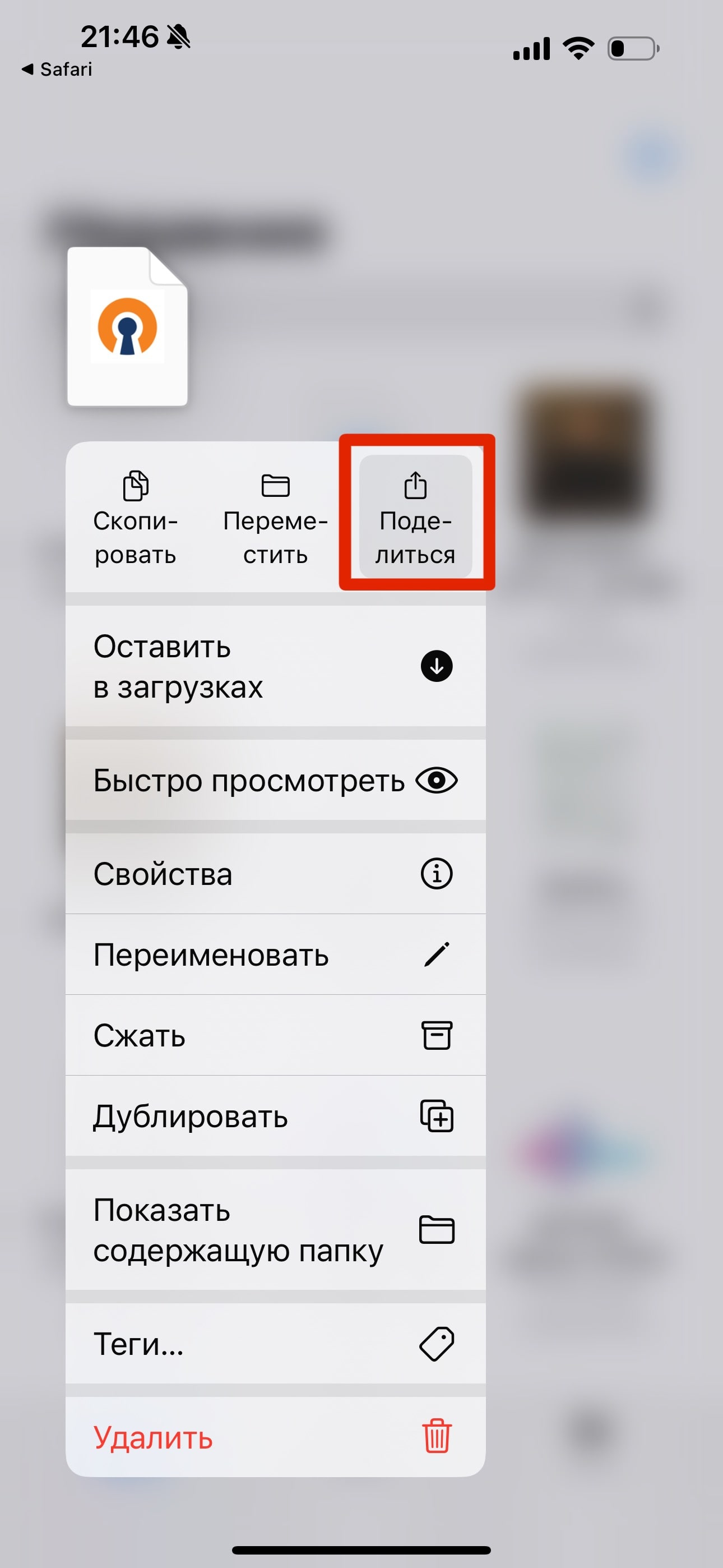
4. In the “Open VPN” application, go to the “File” tab and find the tunnel in your downloaded files. Confirm your selection by clicking the “Import” button.
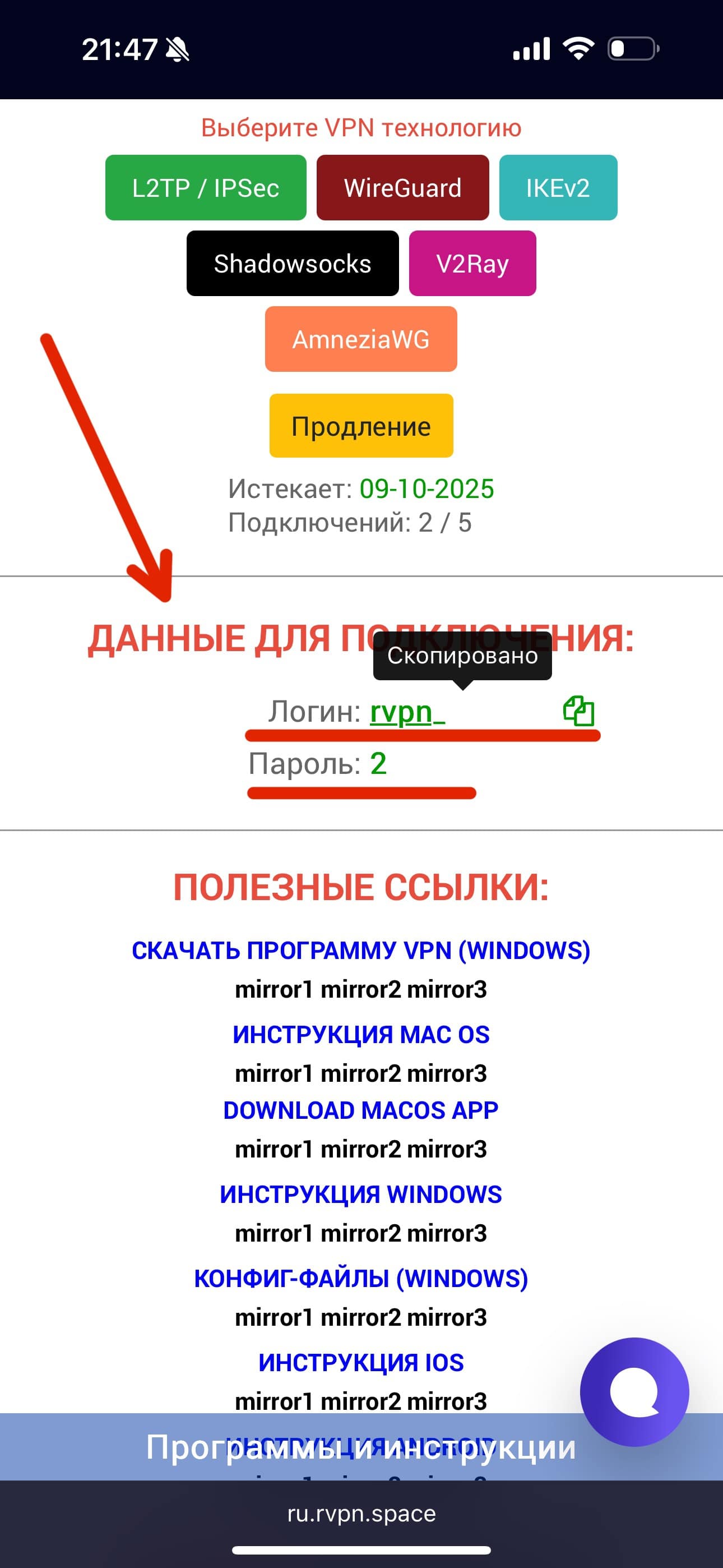
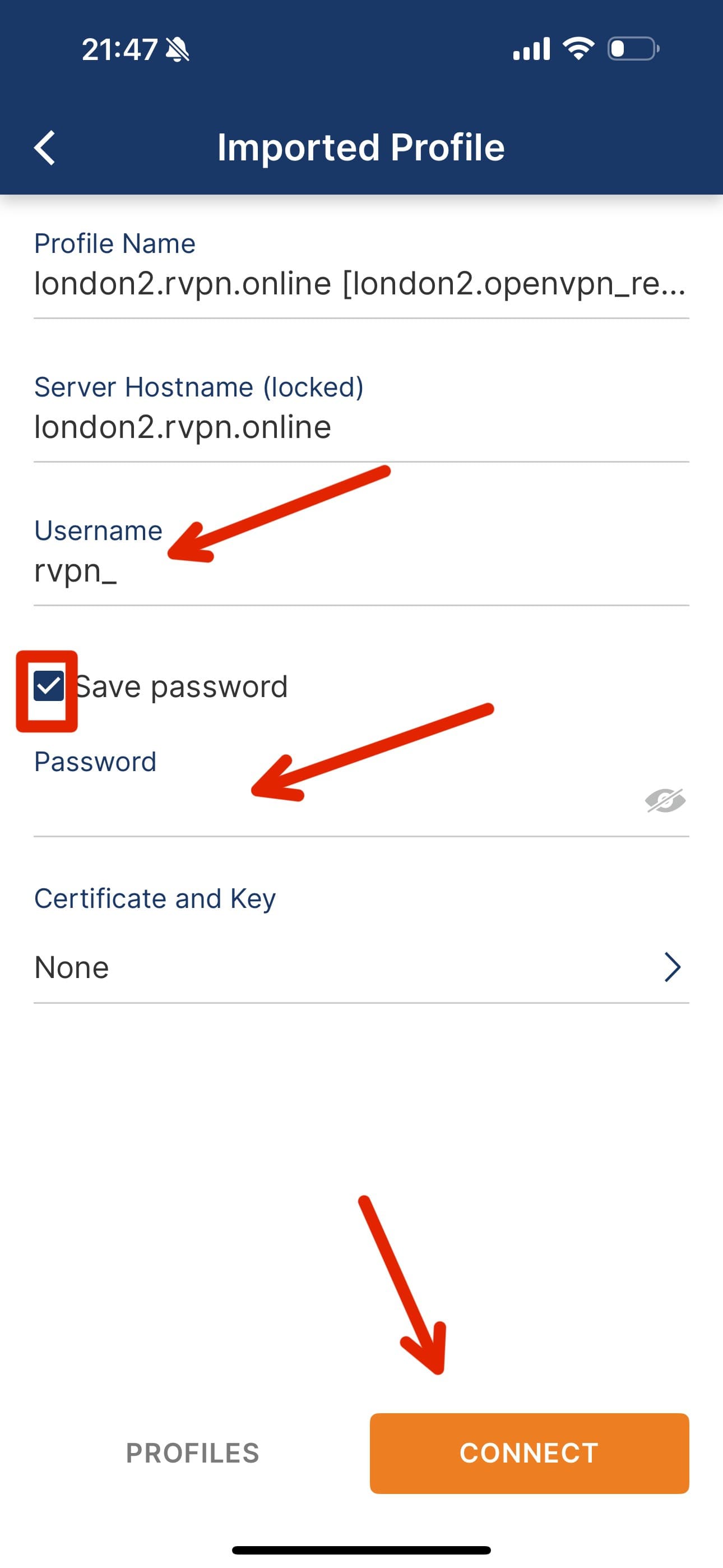
5. In the “Username” field, enter the login specified on the website. After checking the “Save password” box, enter your password in the “Password” field that appears.
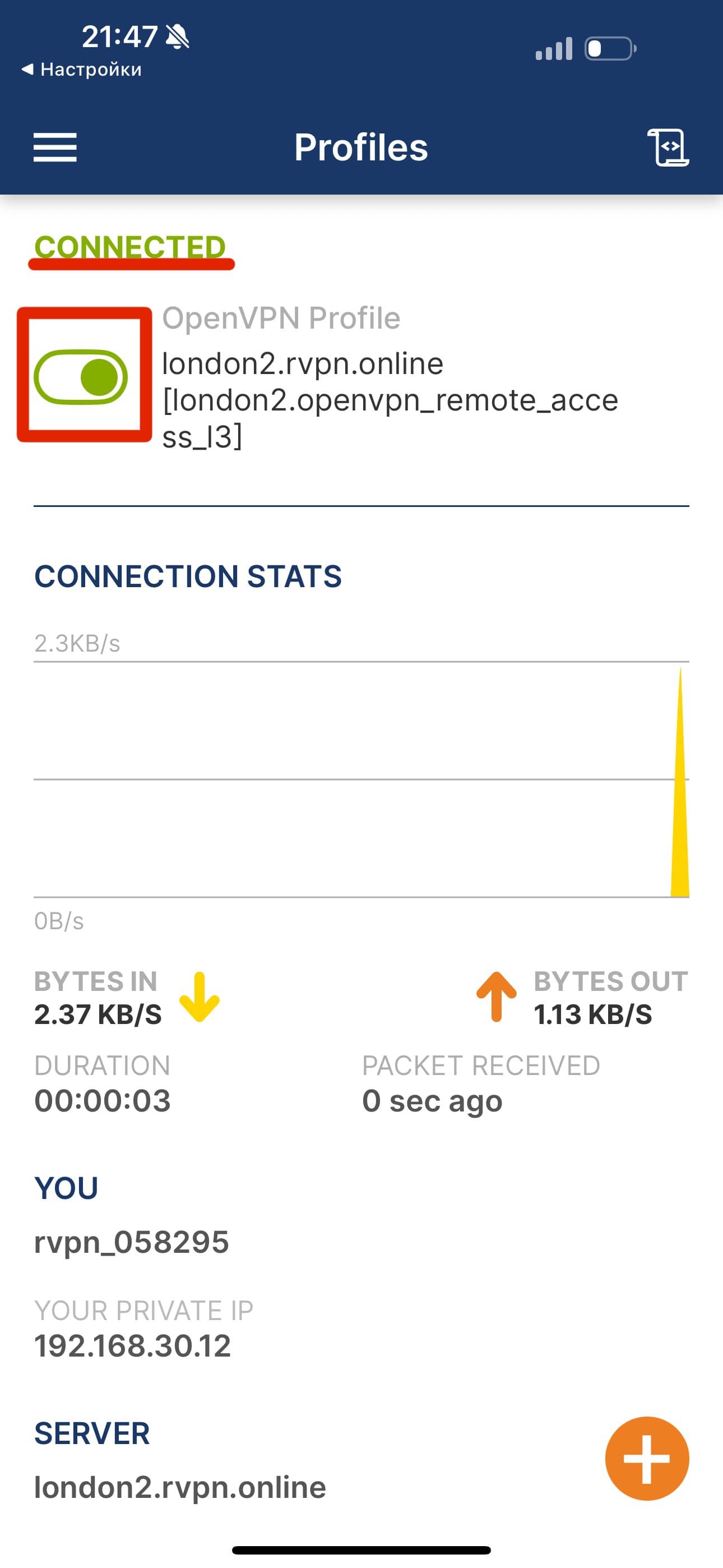
6. To enable VPN, click the toggle switch so it moves to the “ON” position and lights up.