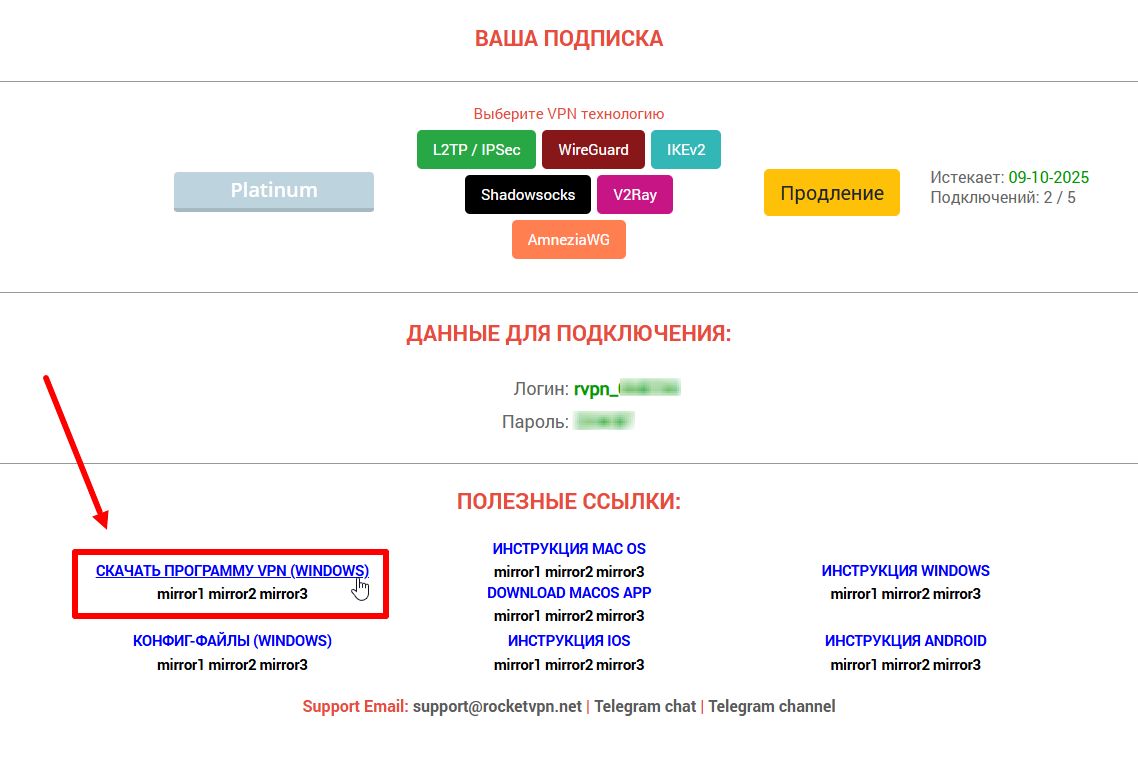
1. Download the archive with the program installation files from the ru.rvpn website.
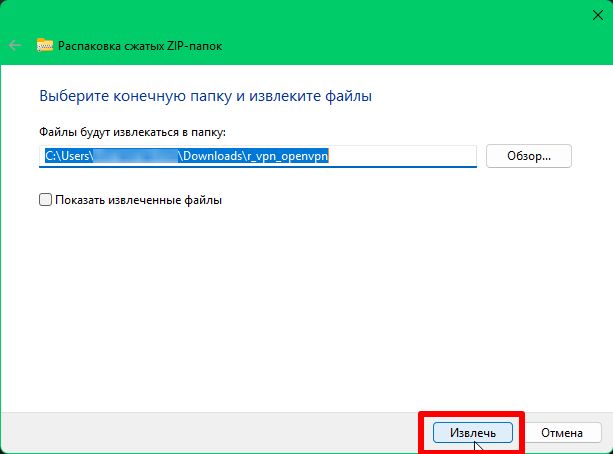
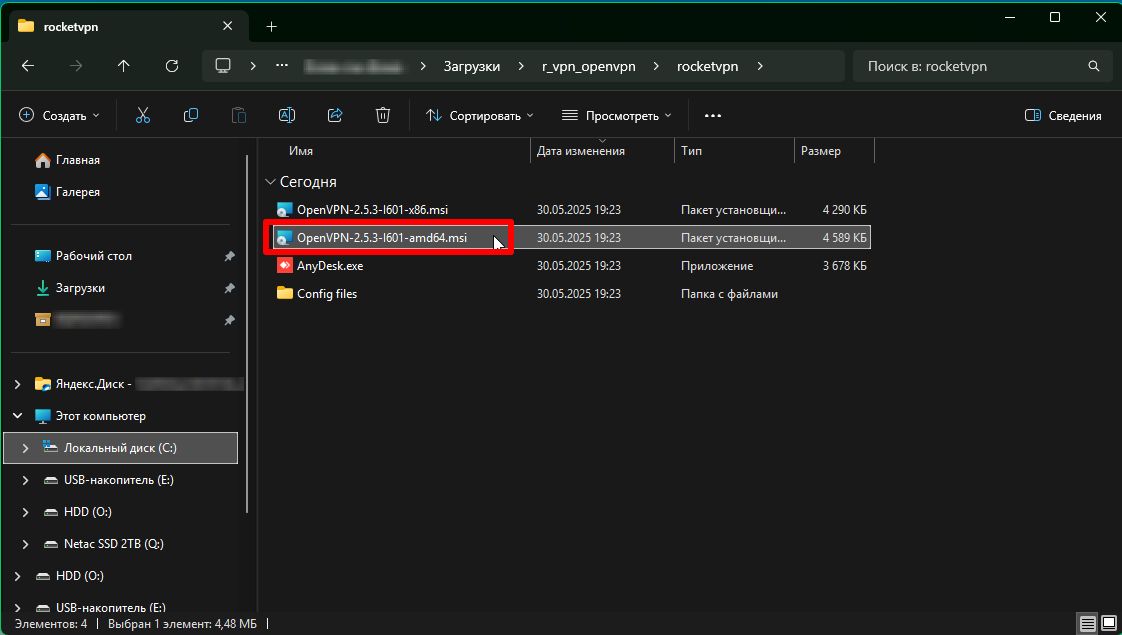
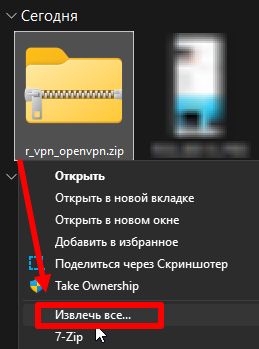
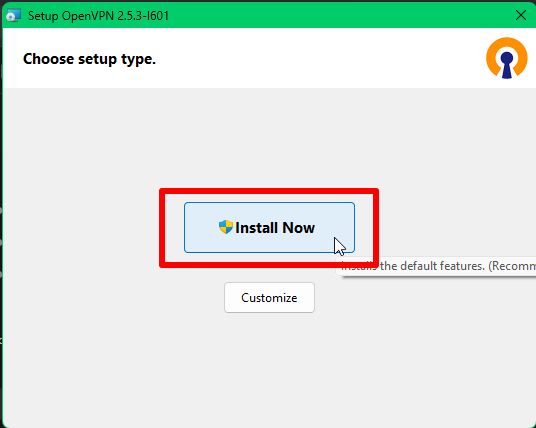
2. Extract the archive and install the program for your system.
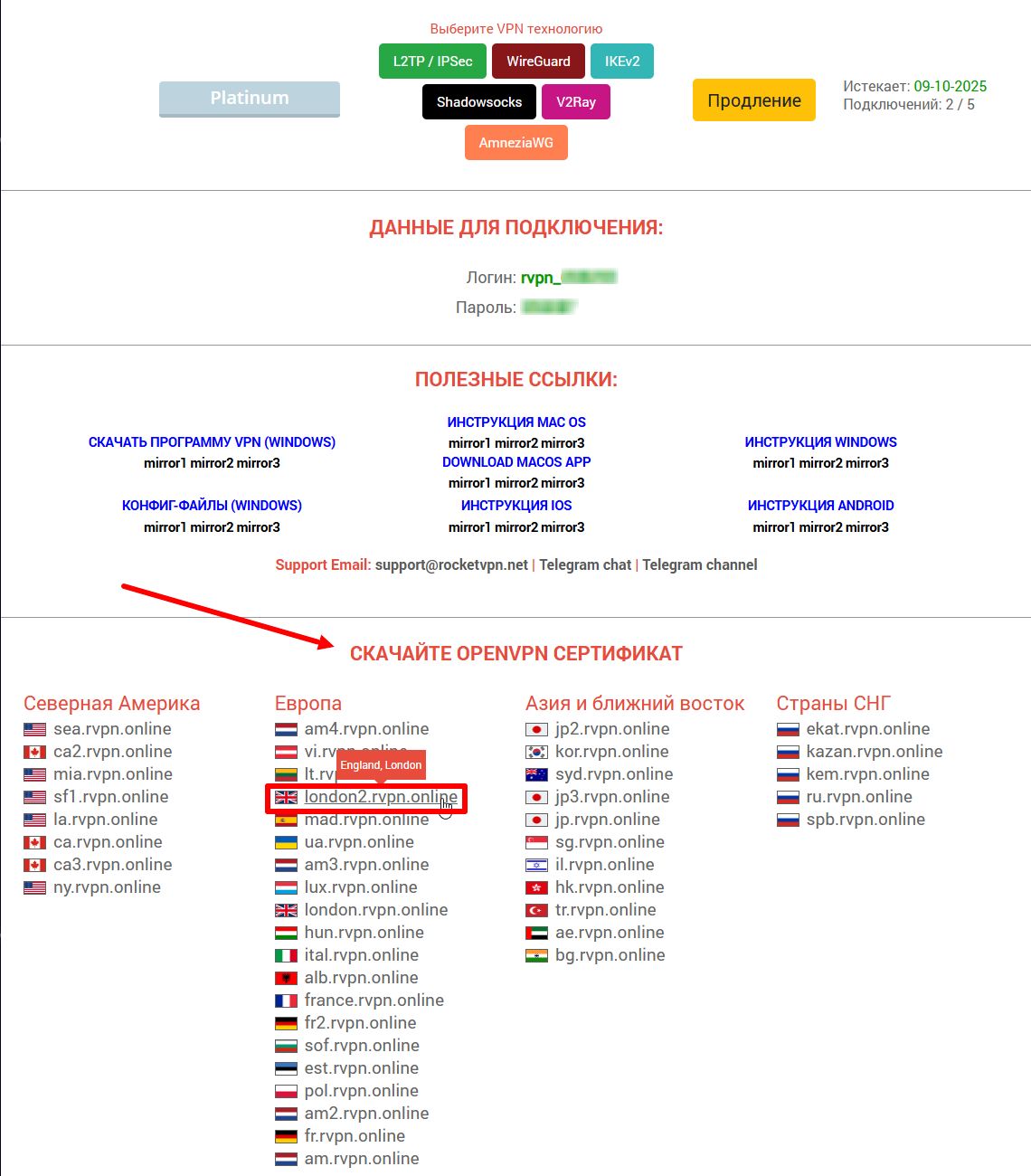
3. On the ru.rvpn website in the “Download OPENVPN Certificate” section, click on the desired location to download the file.
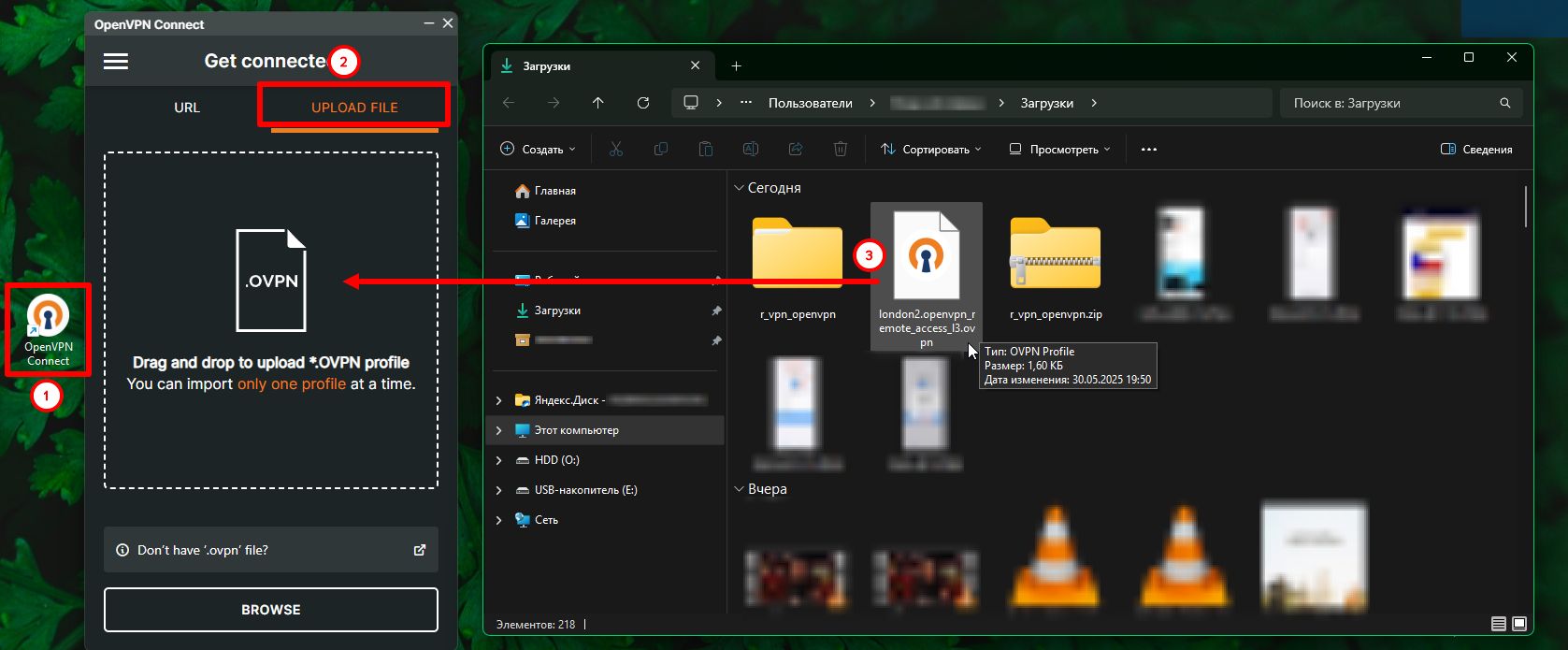
4. Open the application using the shortcut on your desktop. In the application, use the “Import” button to add the configuration file from your downloads and click “Open”. You can also drag the file from downloads.
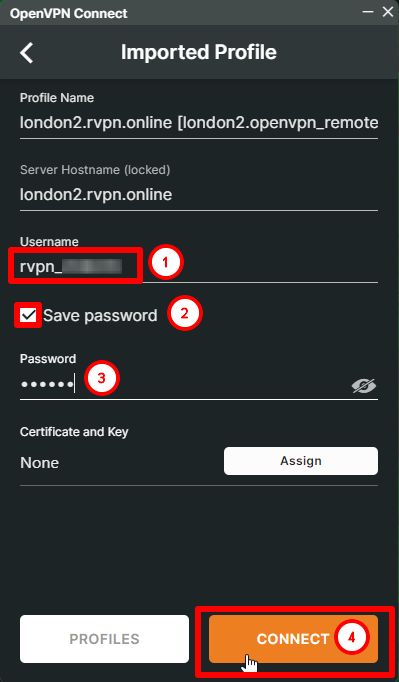
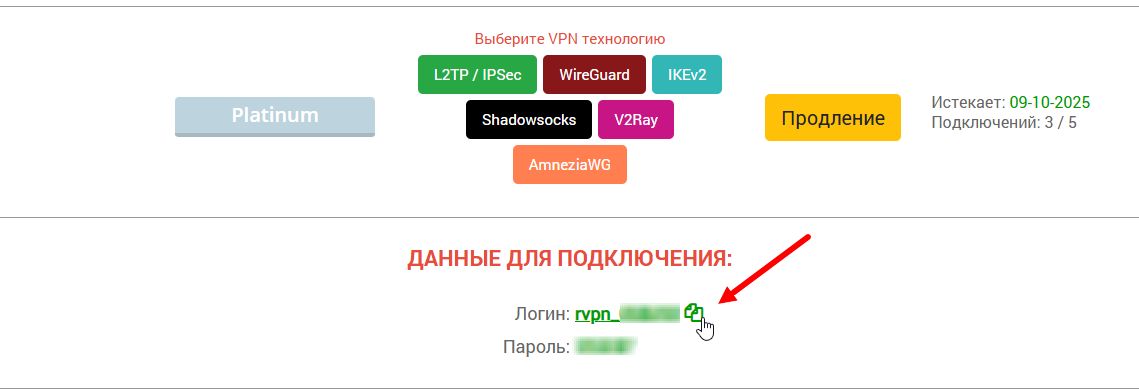
5. In the “Username” field, enter the login specified on the website, and enter your password in the “Password” field. Click the “Connect” button to proceed.
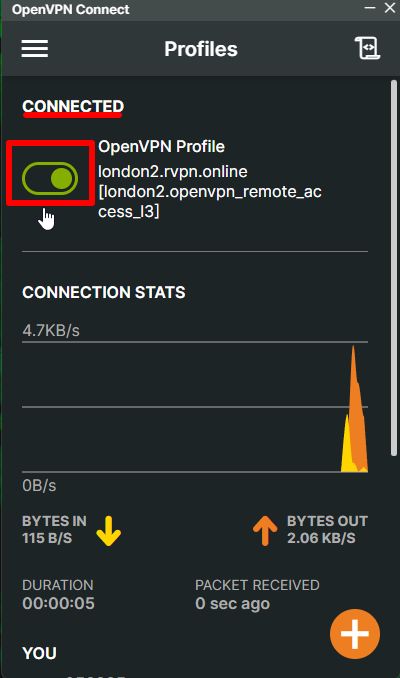
6. After successfully adding the file, click the “Connect” button to move the slider to the “ON” position.
7. If needed, you can add multiple tunnels.