1. Download the Shadowsocks VPN application from the Google Play Store (Play Market) or from the ru.rvpn website.
2. Click on the file icon with a plus sign in the top right corner and select “Scan QR code”.
3. When you first open the application, you must click “Allow” in the “Connection Request” popup window.
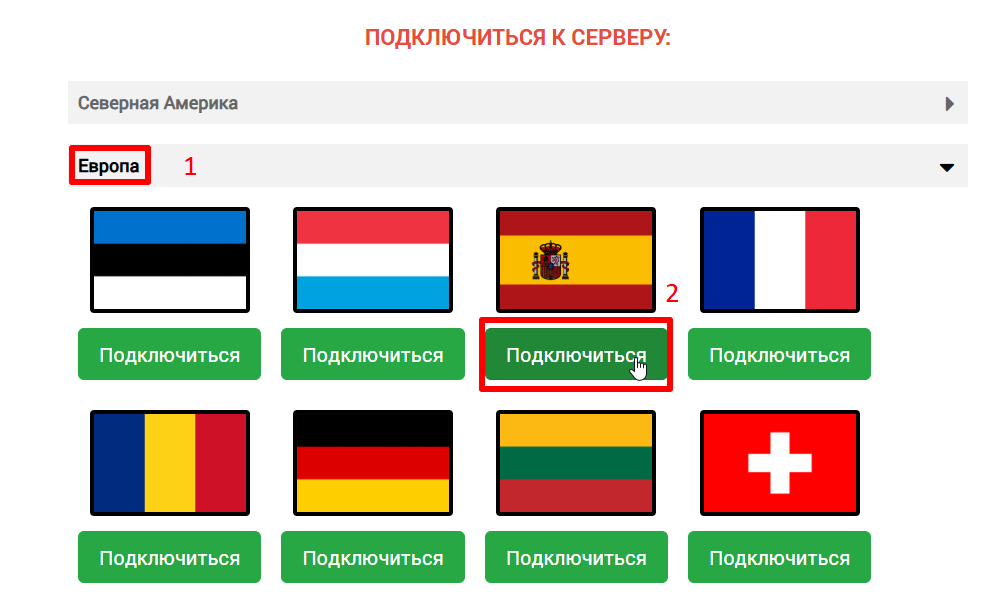
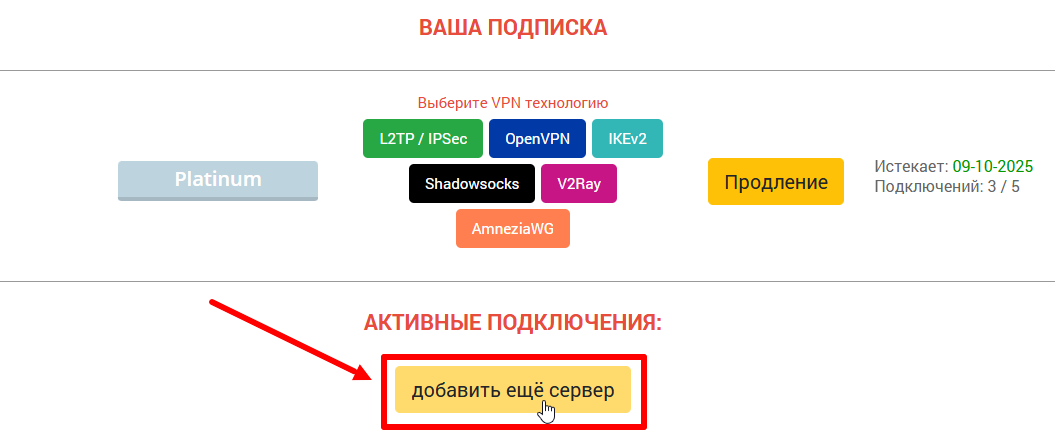
4. On the ru.vpn website in the “Connect to Server” section, click on the desired location.
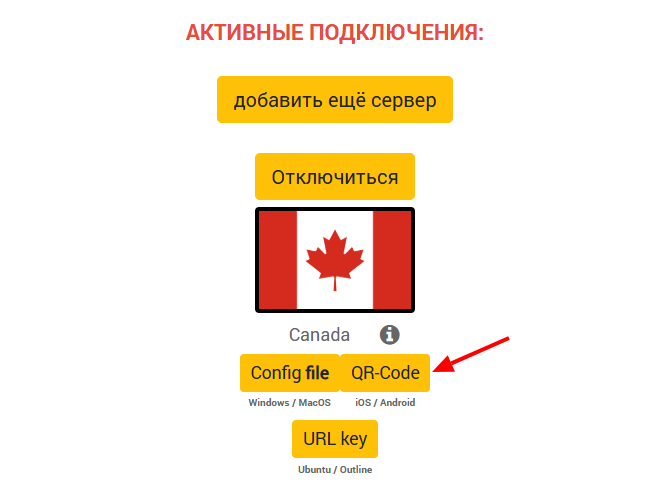
5. On the ru.rvpn website in the “Active Connections” section, click the “QR code” button and take a screenshot.
6. Select the screenshot with the QR code and click the airplane icon at the bottom to connect to the VPN.