1. Download the Potatso application from the AppStore.
2. Click the “Add a Proxy” button.



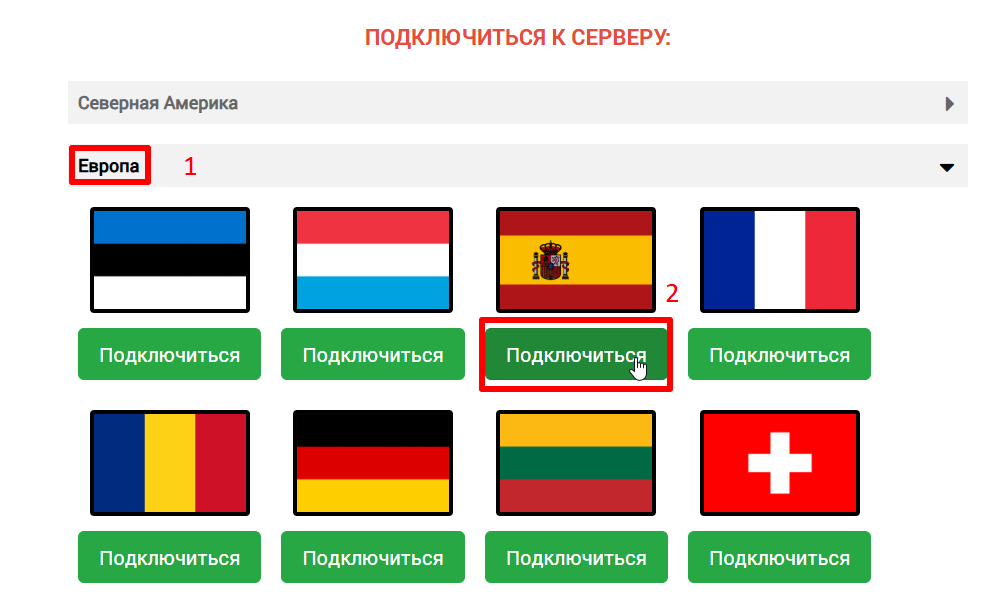
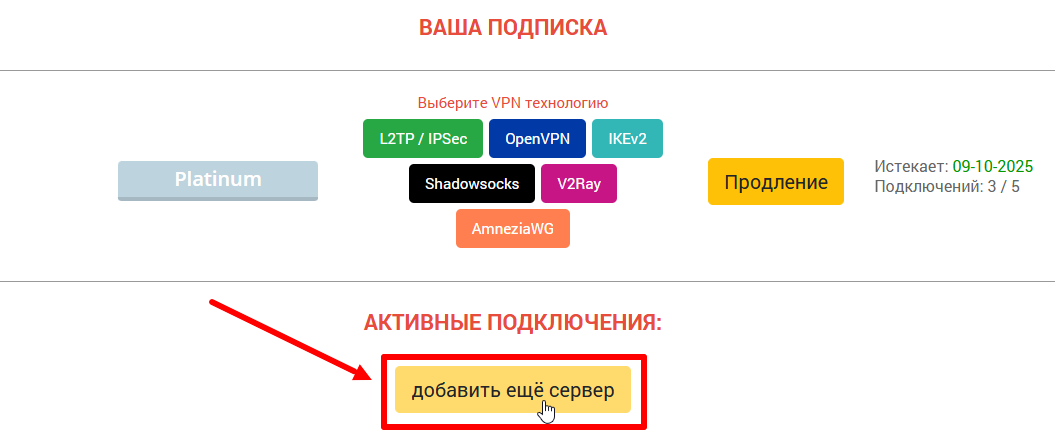
3. On the ru.rvpn website in the “Connect to Server” section, click on the desired server location.
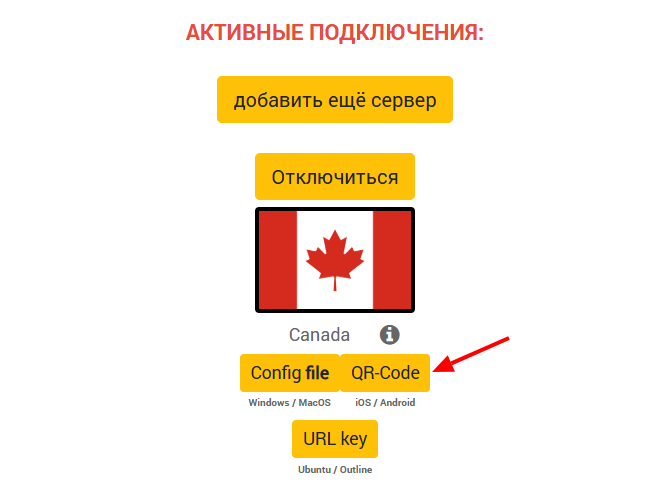
4. On the ru.rvpn website in the “Active Connections” section, click the “QR-code” button and take a screenshot.
5. In the application, select the “QR-code” icon in the “Auto Import” section. Then click on the top right corner where the Gallery icon is located.
6. Select the screenshot with the QR-code and click the “Launch” button in the bottom right corner to connect to the VPN.
7. On first connection, you must click “Allow” in the “Connection Request” pop-up window.