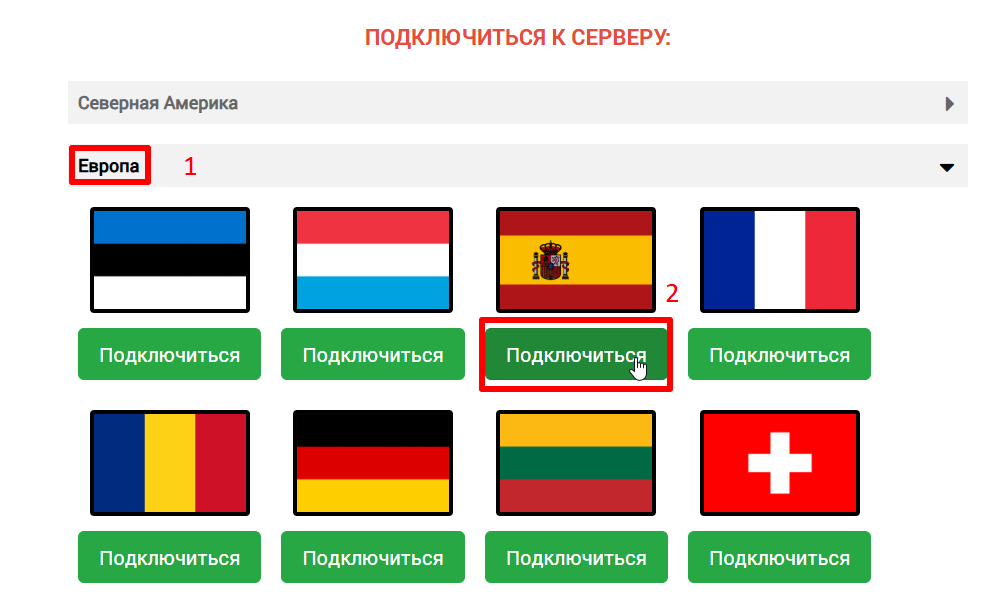
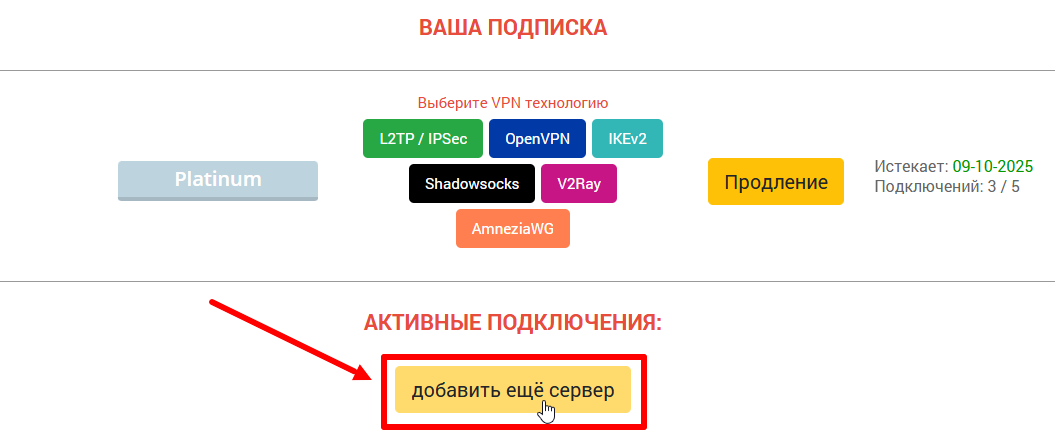
1. On the ru.rvpn website in the «Connect to Server» section, select the desired direction and country by clicking «Connect».
2. Download the «Shadowsocks» application from the AppStore or on the ru.rvpn website.
3. On the ru.rvpn website, open the QR code for the necessary connection.
4. By clicking on the Shadowsocks icon on the taskbar, select «Scan QR code on screen».
5. To enable VPN, click on «Enable Shadowsocks/Turn Shadowsocks on».
6. If necessary, you can add multiple tunnels.