1. Download the v2RayTun application from the AppStore or from the ru.rvpn website.
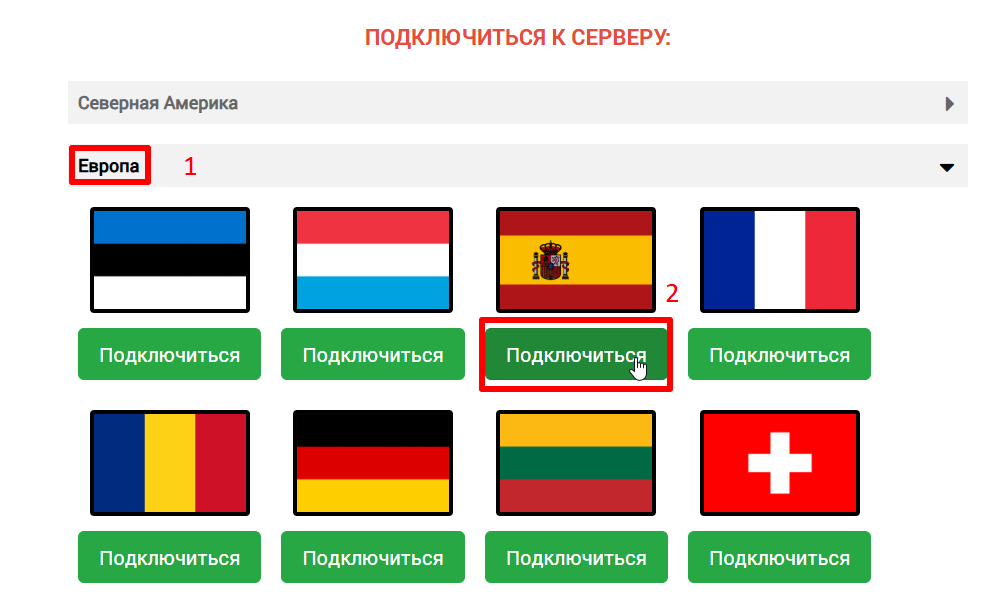
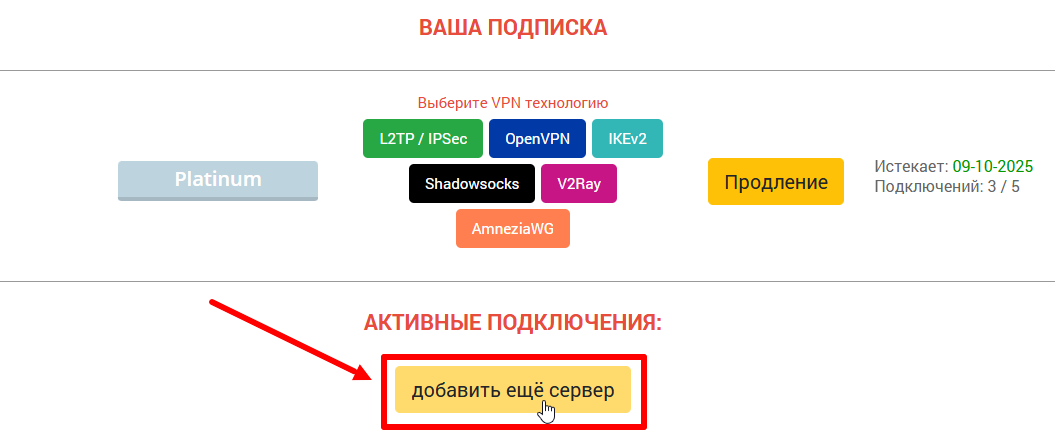
2. On the ru.rvpn website, click “Add Server” and select the desired direction and country by clicking “Connect”.
3. Rename the configuration if necessary to avoid confusion when connecting other devices.
4. Click the “Copy link” button on the website to copy the link or save the QR code to scan it through the application.
5. Tap the “+” in the application at the top of the screen to add a tunnel.
6. Select a convenient option (add from clipboard/Import config from Clipboard OR scan the QR code).
7. On first connection, you need to click “Allow” in the “Connection Request” popup window.
8. To enable VPN, tap on the added direction and then click the “V” button at the bottom of the screen.