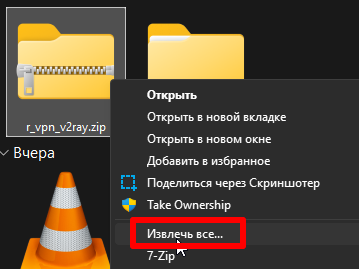
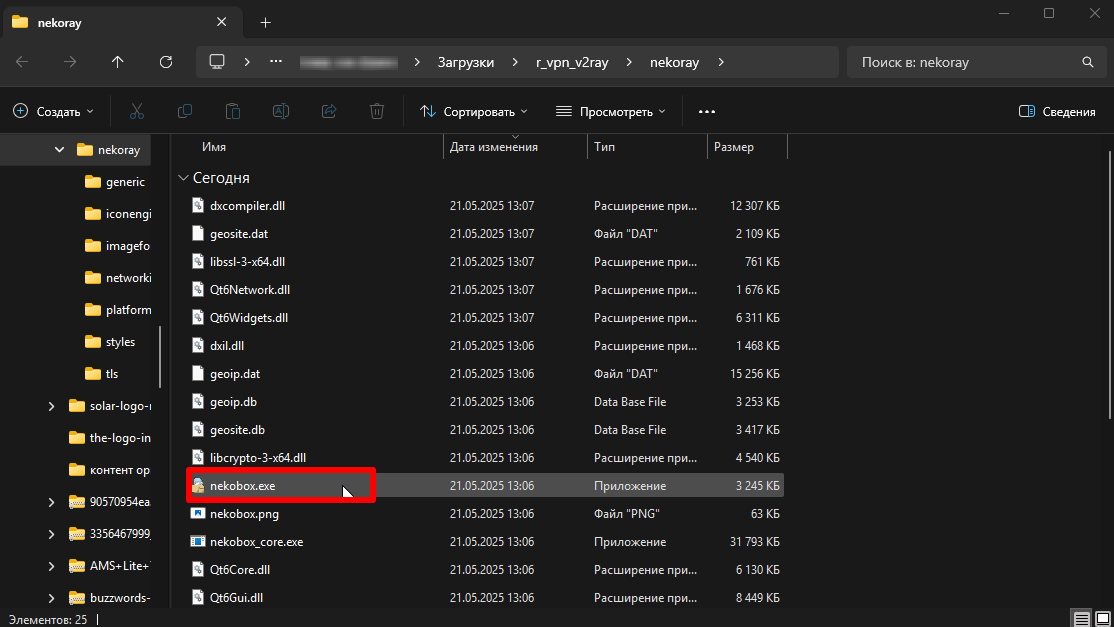
1. Download the «V2Box - V2Ray Client» application from the AppStore.
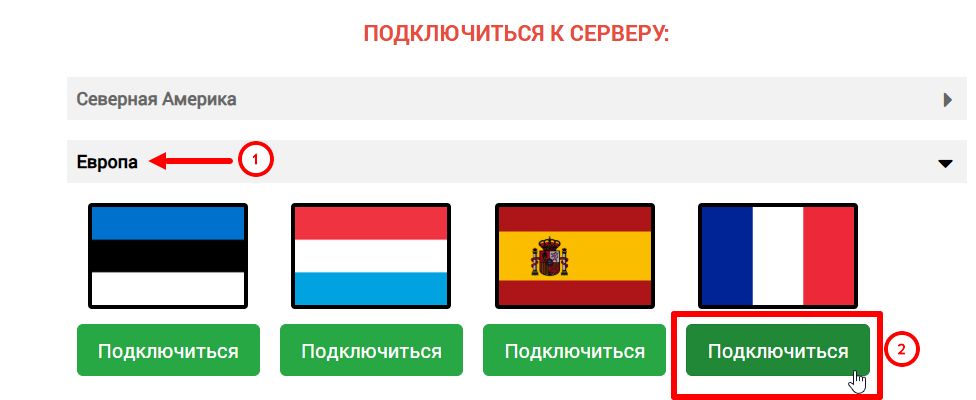
2. On the ru.rvpn website, click «Add Server» and select the desired location by clicking «Connect».
3. Rename the configuration if needed to avoid confusion when connecting other devices.
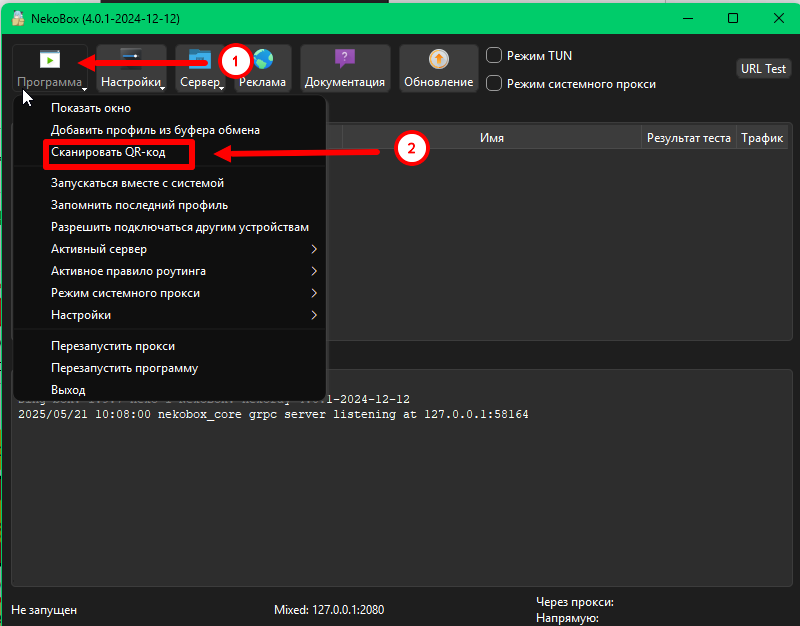
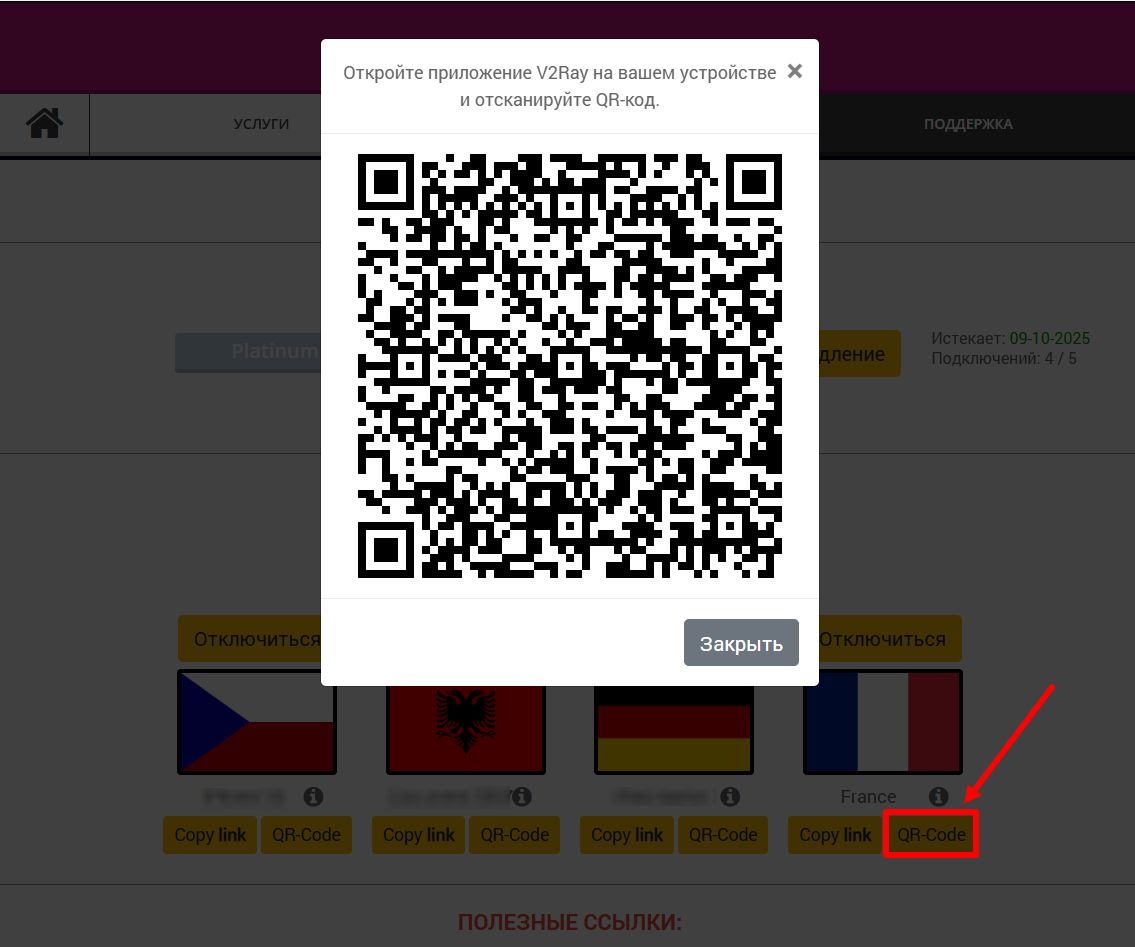
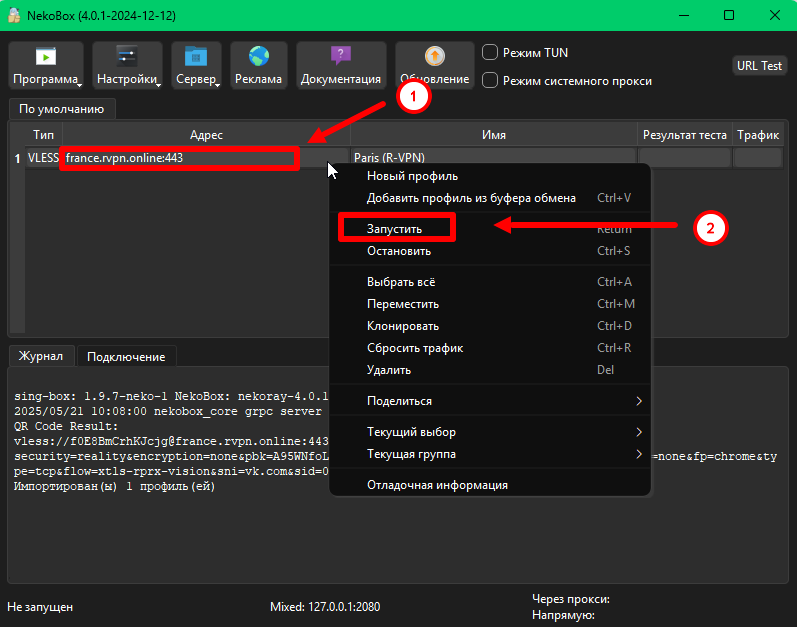
4. Copy the tunnel link on the website and go to the V2Box application. Once you open the application, click the «+» icon at the top of the window and select «Paste V2Ray link from clipboard/import v2ray uri from clipboard» from the dropdown menu.
5. To activate the VPN, click the «Connect» button.
6. If needed, you can add multiple tunnels.