1. Download the WireGuard application from the Google Play Store (Play Market).
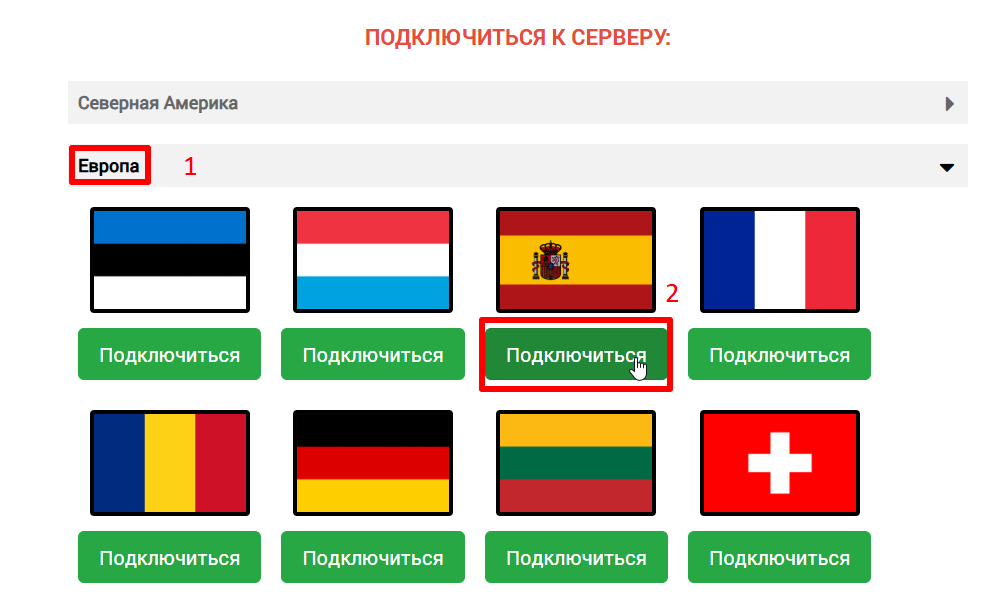
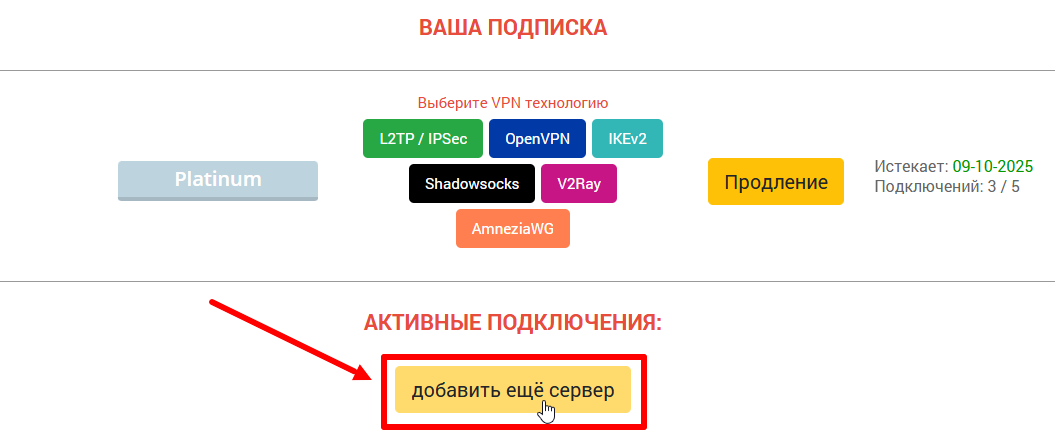
2. On the ru.rvpn website, click “Add Server” and select the desired direction and country by clicking “Connect”.
3. Rename the configuration if necessary to avoid confusion when connecting other devices.
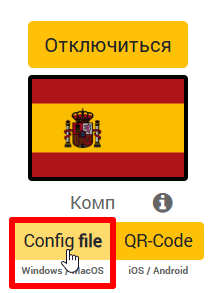
4. Download the configuration file from the website or save the QR code to scan it through the application.
5. Click the “+” in the application at the bottom of the screen to add a tunnel.
6. Choose the convenient option (import from file OR scan QR code).
7. On the first connection, you need to click “OK” on the “Connection Request” popup window.
8. To enable VPN, click the slider to move it to the “ON” position and it will be highlighted in color.