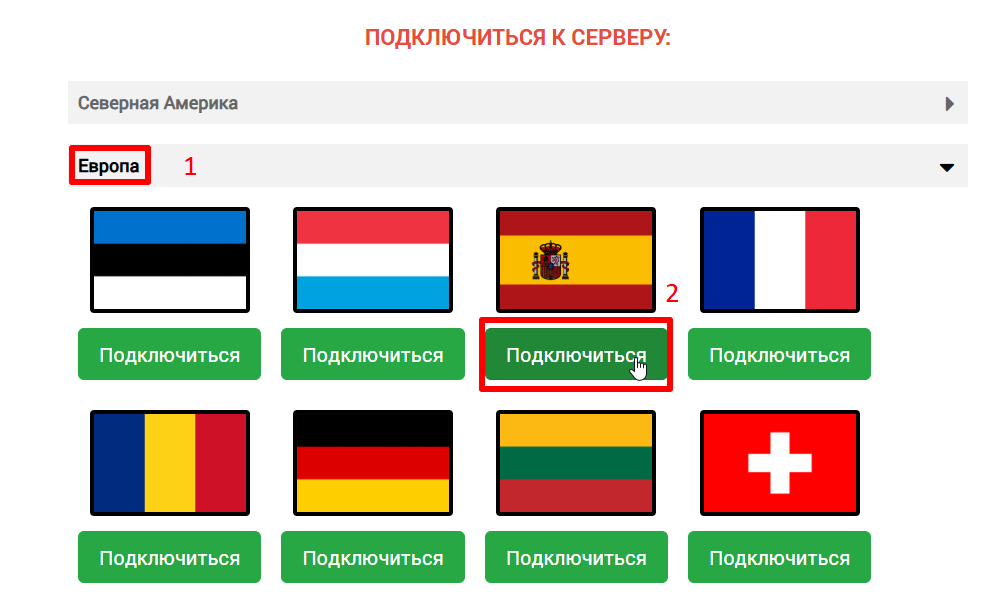
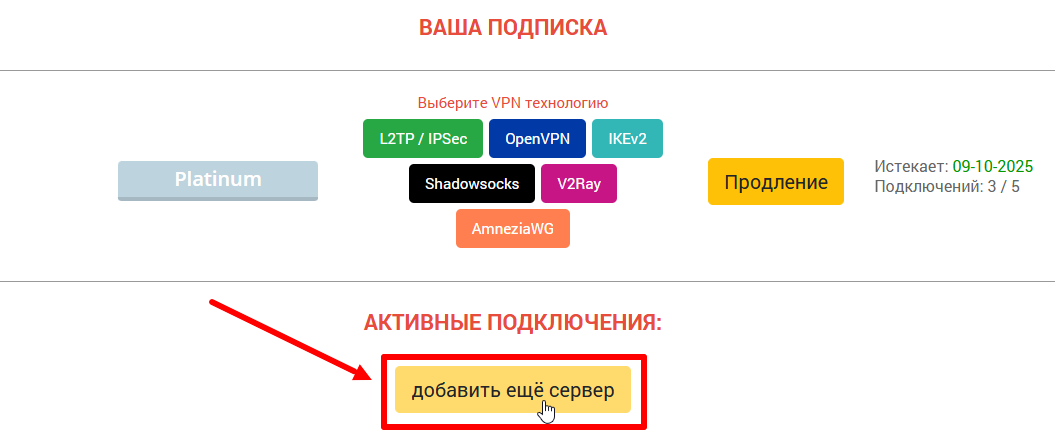
1. On the ru.rvpn website, click «Add Server» and select the desired location by clicking «Connect».
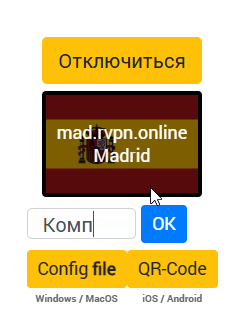
2. Rename the configuration if needed to avoid confusion when connecting other devices.
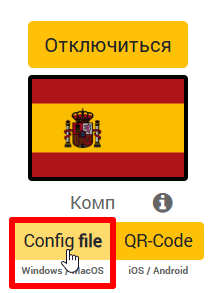
3. Download the configuration file from the website and load the «WireGuard» application from the AppStore.
4. Open the application, click the «+» icon at the bottom of the window, and select «Import tunnel from file» from the dropdown menu.
5. Select the downloaded configuration file in «Downloads».
6. To use the VPN, click the «Connect» button.
7. If needed, you can add multiple tunnels.