Let’s see how to install the WireGuard VPN technology on your computer.


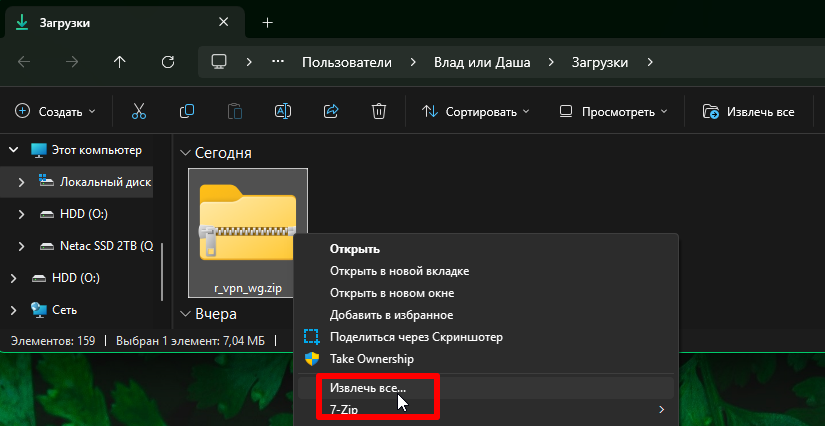
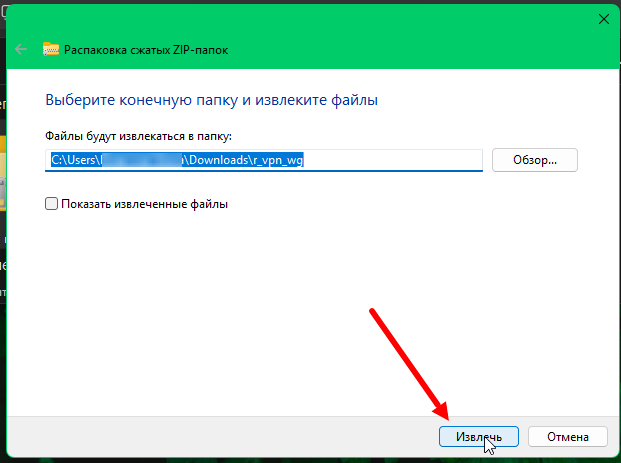
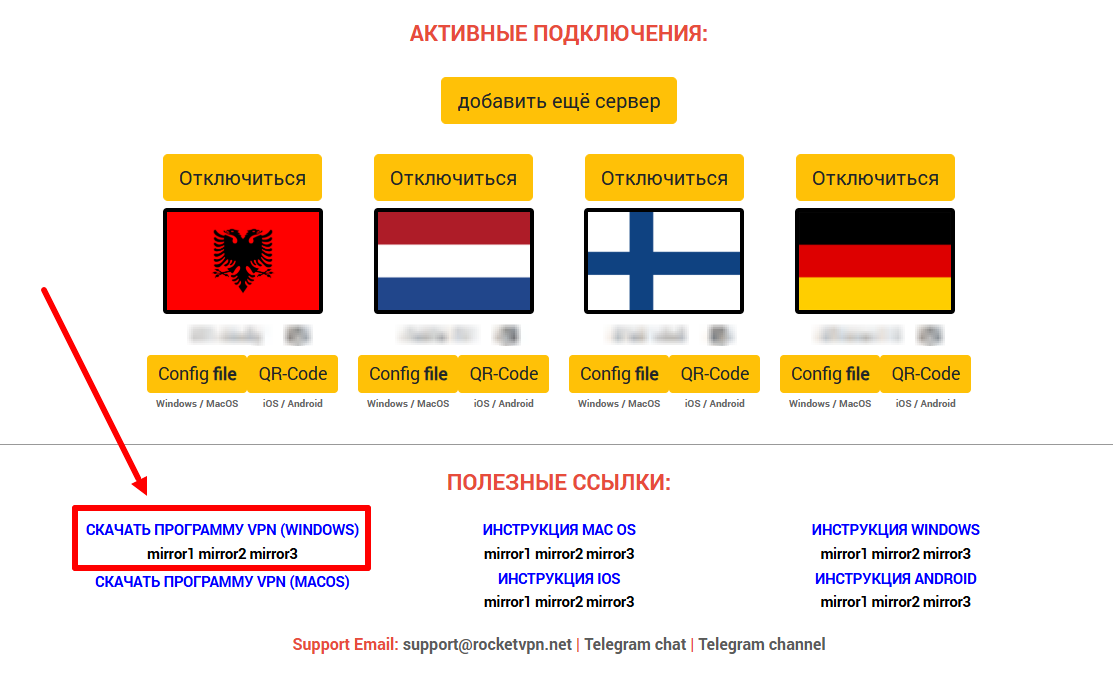
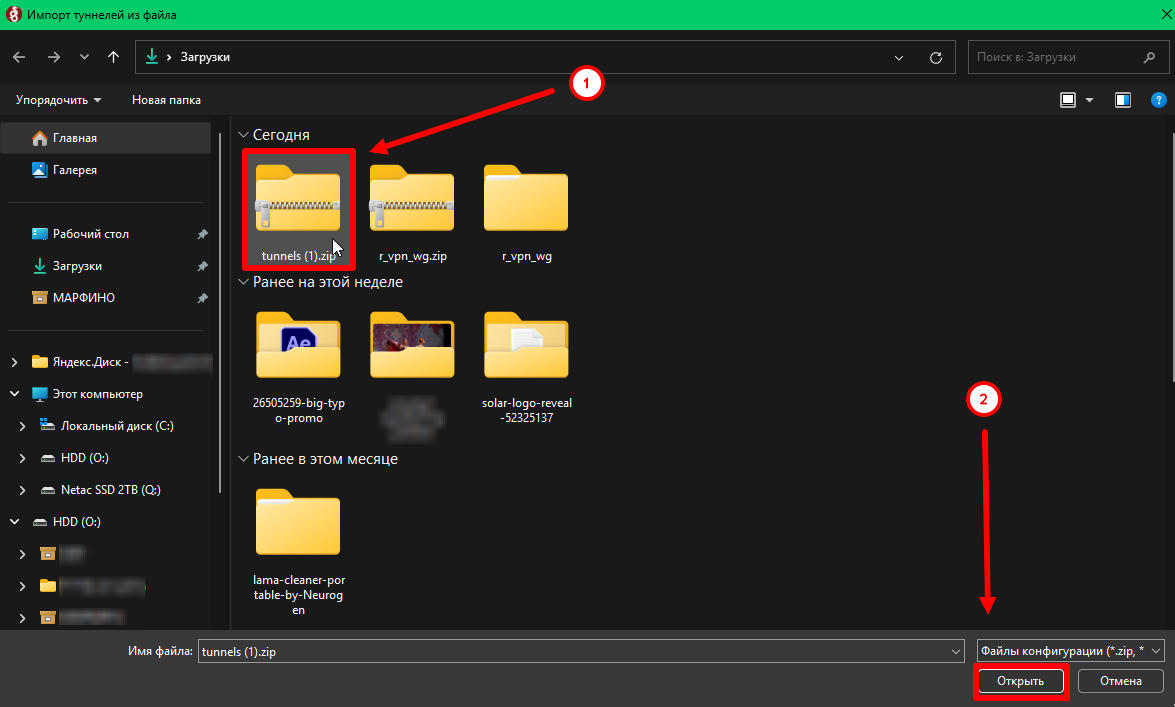
1. Download the archive with the program installation files from the ru.rvpn website.
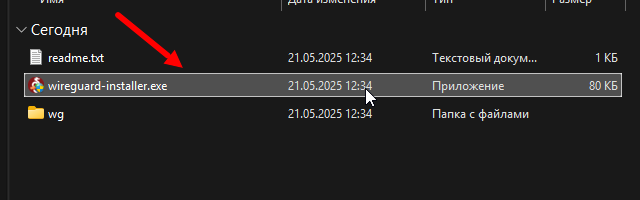
2. Double-click the file to extract the archive and launch the program.
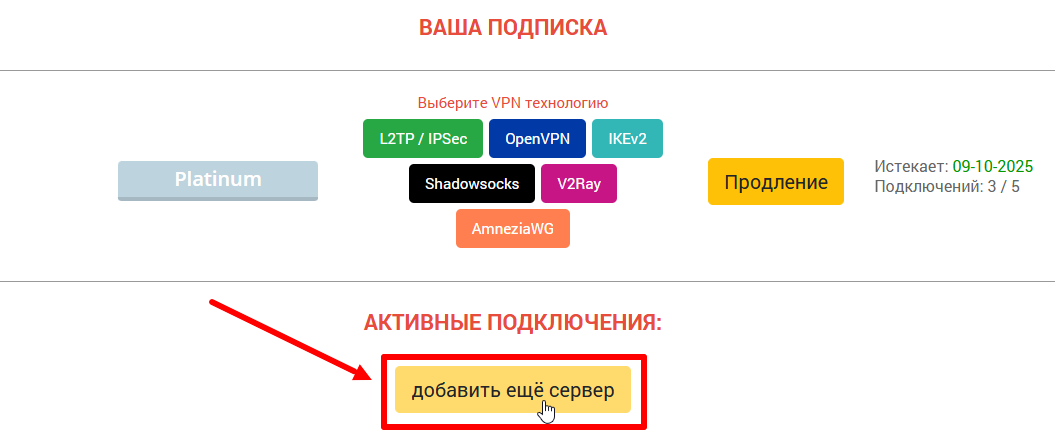
3. On the ru.vpn website, click “Add Server” and select the desired direction and country by clicking “Connect”.
4. Rename the configuration if needed so you don’t get confused when connecting other devices.
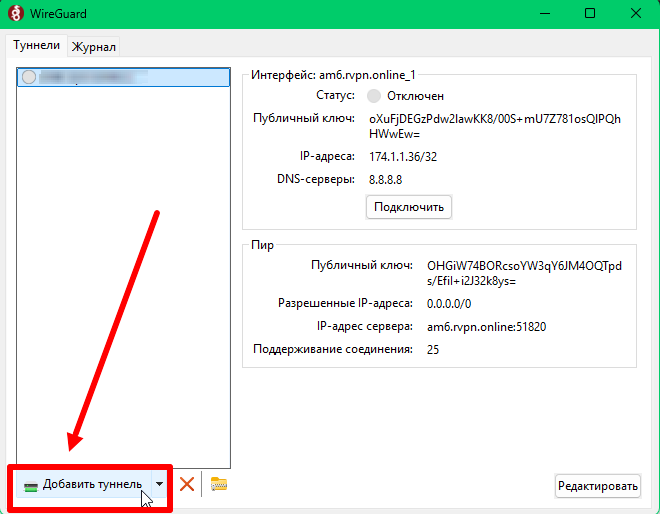
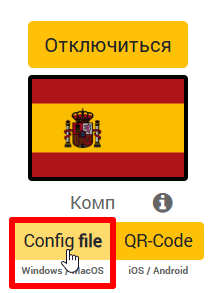
5. Download the configuration file from the website and import it into the installed application.
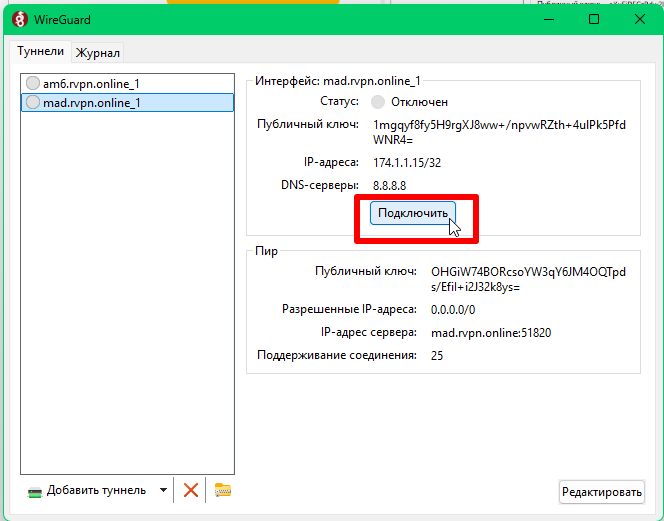
6. To activate the VPN, click the “Connect” button.
7. If needed, you can add multiple tunnels.